RoomGPT alternative: an honest comparison
RoomGPT vs our AI room design tools: room types, themes, editing tools, free generations and pricing models, checked on RoomGPT's own site.
By Alperen Ciftlikci4 min read
If you want a RoomGPT alternative, start by asking what you need from AI room design. RoomGPT is a simple, fast way to see one photo of a room in a few different themes. Our tools also redesign a room from a photo, but add a guided wizard and separate tools for walls, floors, clutter, single objects and 3D views. Here is a fair look at both, based on what each site shows.
At a glance
| RoomGPT | Our tools | |
|---|---|---|
| Focus | Quick room redesigns in different themes | Room redesign from a photo plus focused editing tools |
| Input | One photo of a room, optional extra details | Room photo (1–4 photos of one room for 3D panorama) |
| Styles/options | 9 themes, up to 4 per run; Basic, Pro or Ultra quality | 12 style presets or your own description, 27 color palettes, inspiration photos, product links, notes |
| Room types or scope | 9 room types, including basement, gaming room and outdoor patio | 9 room types, plus exterior and landscape tools |
| Extra tools | None listed beyond redesign | Virtual staging, magic brush, tidy, wall color, flooring, 3D panorama, AI Designer chat |
| Free trial | 1 free generation after Google sign-in | Free credits when you sign up |
| Pricing model | One-time credit packs | Credit-based; see pricing |
Where RoomGPT is stronger
RoomGPT is very easy to start. Its redesign page asks for one photo, a room type and up to four themes, so a single run can show the same room in several looks side by side. If you are undecided between directions, that comparison view is handy.
Its themes go beyond classic interior styles, with options such as Summer, Tropical, Vintage, Neoclassic and Tribal, and its room list includes a basement and a gaming room. You can also pick a quality level: Basic uses 1 credit, Pro 2 credits and Ultra 4 credits, and Pro or Ultra let you add extra details in text.
Pricing is simple and not a subscription. When we checked, its credit page listed one-time packs of 30 credits for $9, 100 credits for $19 and 200 credits for $29. If you dislike recurring charges, that is a clear plus.
Where our tools differ
- Nine tools in one place. Interior, exterior and landscape redesign, virtual staging, magic brush, tidy, wall color, flooring and 3D panorama share one library and one credit balance.
- A guided wizard. Choose a room type and one of 12 style presets, or describe your own; add an optional palette from 27, up to 5 inspiration photos, up to 5 product links and free-text notes. Walls, windows, doors and the camera angle stay in place.
- Edits after the redesign. The magic brush removes or replaces one object you paint over, and Tidy My Room clears clutter while keeping your furniture and layout.
- Wall and floor visualizers. The wall color visualizer offers 31 curated colors or any hex code, and the floor visualizer offers 34 materials, from herringbone to terrazzo.
- 3D panorama. Turn 1–4 photos of the same room into a 360° view you can look around in and share.
- AI Designer chat. Ask design questions for free, or attach a photo and request a change.
- Listing workflow. On the Pro plan, listing folders let you stage up to 50 photos in one batch, with a "Virtually staged" label on downloads and share pages.
- Explore before you sign in. Every tool can be opened and set up without an account; sign-in is asked only when you generate. Failed generations are refunded automatically.
How to choose
Choose RoomGPT if you want the quickest possible look at a room in a few themes, like comparing several at once, or prefer buying a one-time pack.
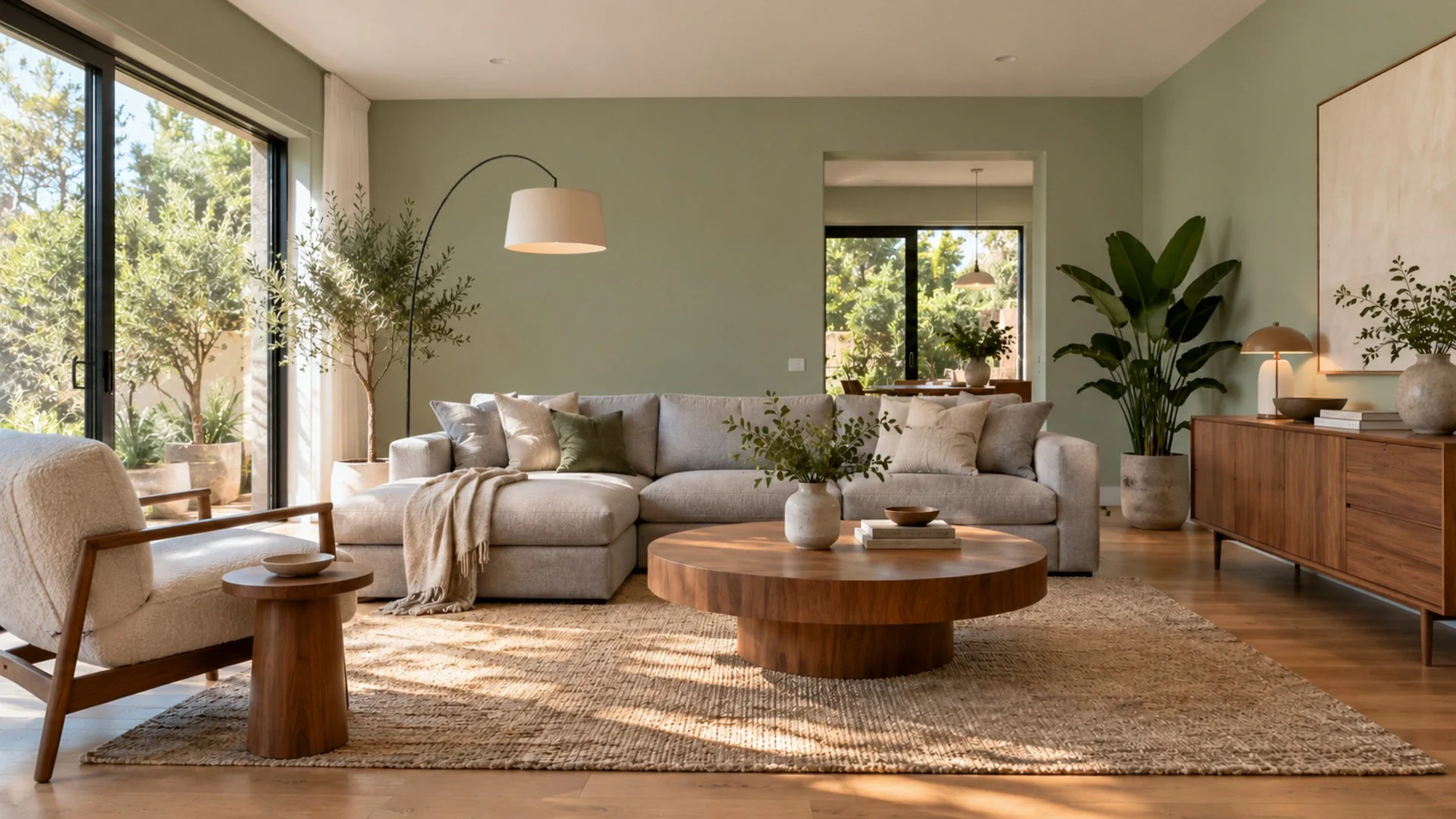
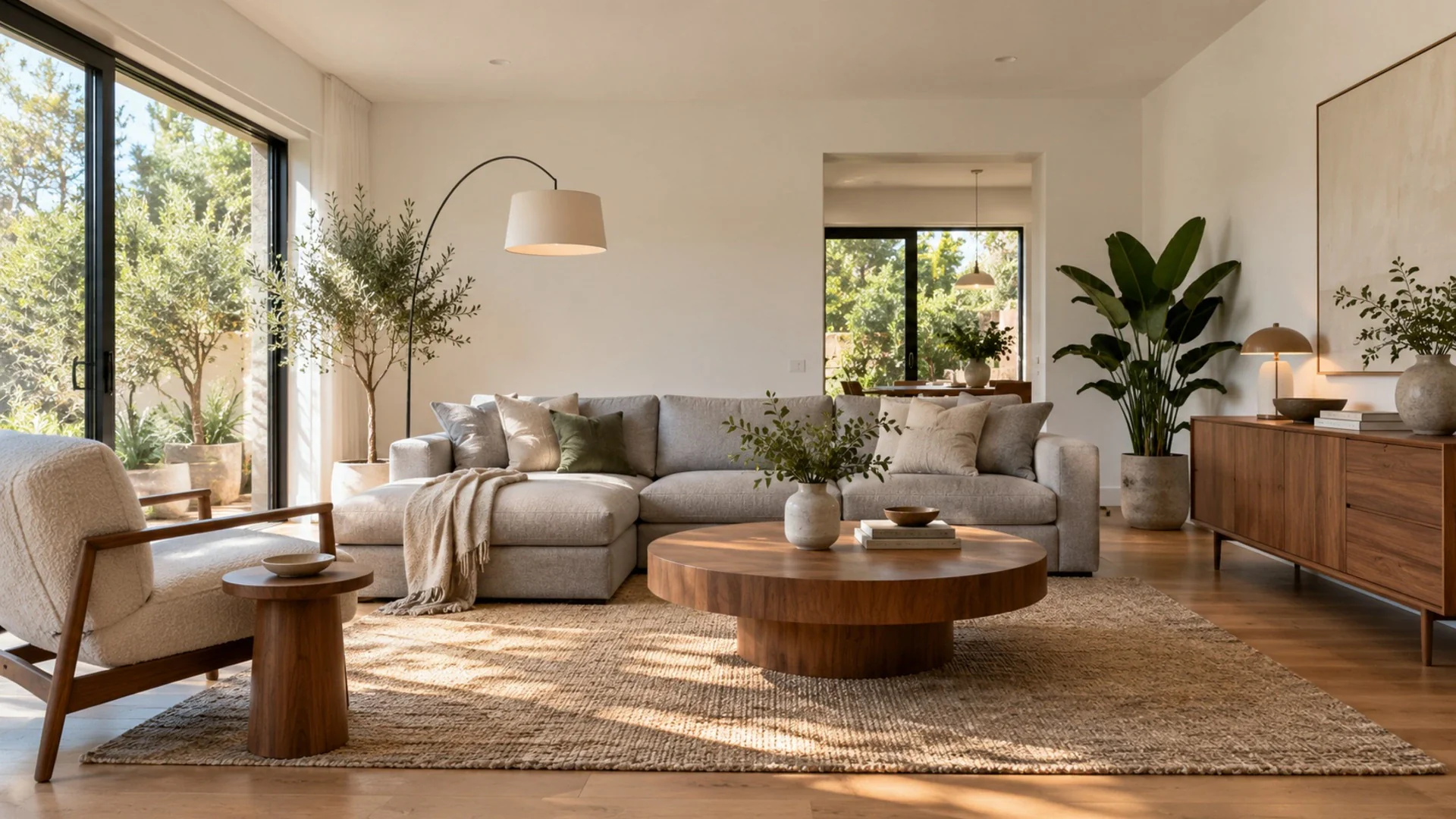
Choose our tools if you want to go further with the same photo: steer the redesign with a palette, notes or inspiration images, then fine-tune it by repainting walls, trying a new floor or removing a single object. They also cover facades, gardens, empty-room staging and 3D views.
Either way, try your own photo first. A bright, level shot taken from a corner gives both tools the best chance.
FAQ
Is this app affiliated with RoomGPT?
No. This app is independent and is not affiliated with, endorsed by or connected to RoomGPT. The name is used only to compare publicly listed features.
Can I try several styles on the same photo with your tools?
Yes. You can run the Interior Design tool again on the same photo with a different style, palette or notes. Each generated image uses 1 credit, and all results stay in your library to compare.
Can I change only the wall color or floor?
Yes. The wall color and flooring tools change just that surface and keep your furniture in place. They are separate from the full room redesign.
Facts about RoomGPT were checked on its official website in October 2026 and may change.
Sources
Facts about other products were checked on their official websites and may change.