
360 room tour from your photos
Turn up to four photos of one room into a 360 view you can look around in, then share it with a link.
Start for free3 free designs when you sign up · No card required
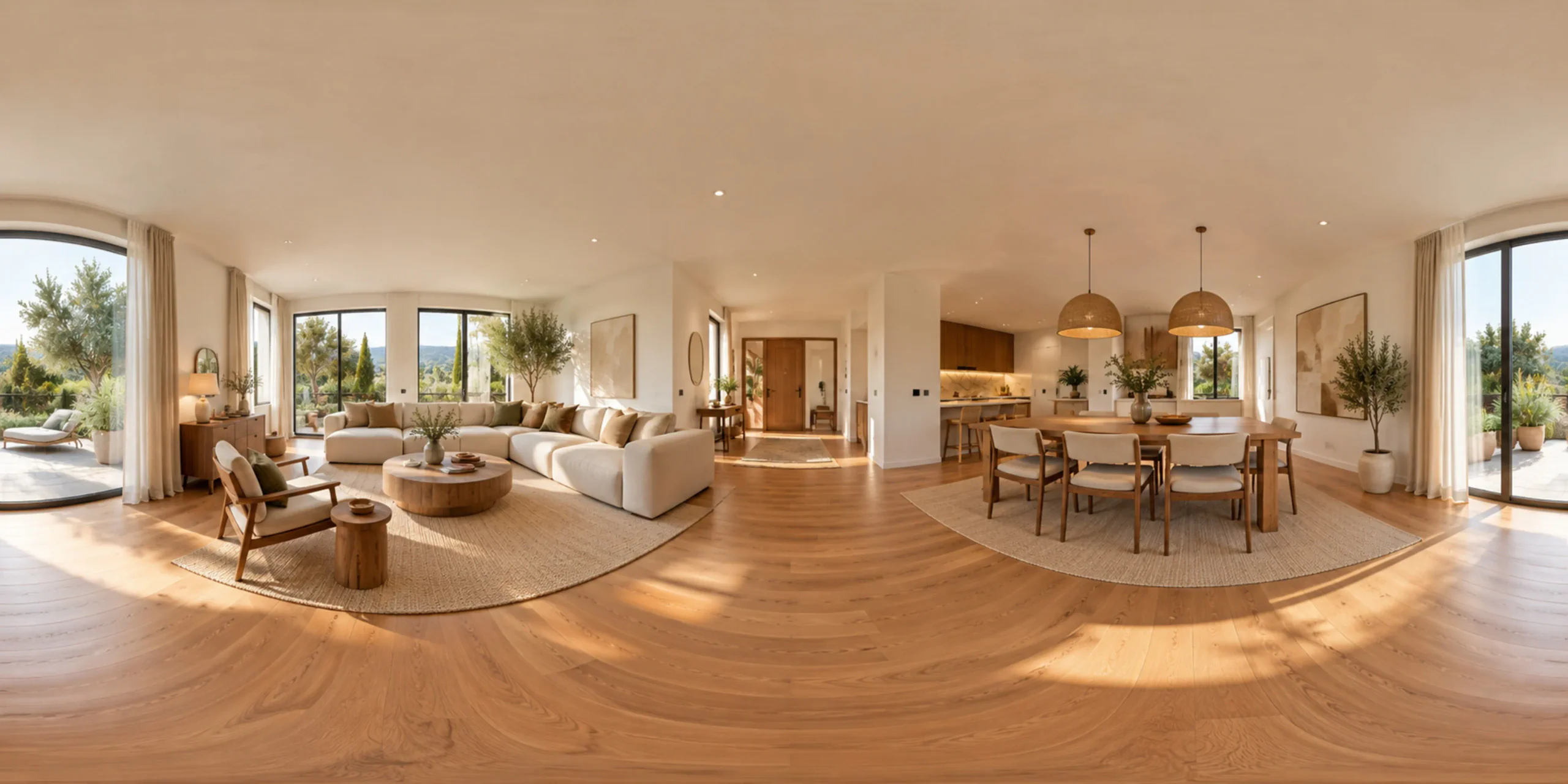
Why it works
Look around, not just at
A single photo shows one wall. The panorama lets you turn and look in every direction, which gives a much better sense of how a room flows.
One to four photos
Start with a single front photo for a quick view, or add right, back and left photos of the same room for a more complete and consistent result.
Explore your redesigns
Use a design you generated as the front photo and step inside it. Seeing a redesigned room all around you makes it easier to decide.
How it works
Stand in the middle
Stand near the center of the room and keep the camera level. Take the front photo first, then turn to capture right, back and left if you can.
Add photos and create
Place each photo in its direction slot. Only the front is required. Then create the panorama, which uses 3D credits rather than regular credits.
Explore and share
Drag or swipe to look around the room in the viewer, then send a share link so others can explore the same view in their browser.
What it does — and what it doesn’t
The 3D Panorama tool creates a 360 room tour from one to four photos of the same room. You add a front photo and, if you have them, right, back and left photos taken from the same spot. The AI combines them into an immersive view that you can drag or swipe to look around in, and that you can share with a link. It also works with your own designs: pick a generated redesign as the front photo and explore that concept from the inside. With a single photo, the parts of the room you did not photograph are filled in by the AI, so they may not match reality. Each extra angle replaces guesswork with real information, which is why four photos give the most faithful result. It is a visual impression, not a measured scan: distances, ceiling heights and furniture sizes are not exact, and it is not a floor plan or a survey. Panoramas use 3D credits, which are separate from the credits used for images. Processing takes a little longer than a single image, and you can follow progress in the app.
Who it’s for
Homeowners use it to step inside a redesign and check how it feels from every side before committing. Agents and hosts use it to give remote viewers a better sense of a room than a single photo allows. Interior designers share an explorable concept with clients who find flat images hard to read. Families living apart use it to show a new home or a planned renovation to relatives, simply by sending a link.
Questions
How do I create a 360 room tour from photos?
Open the 3D Panorama tool, add a front photo of the room and, ideally, right, back and left photos taken from the same spot. Create the panorama, wait for processing, then look around in the viewer and share it with a link.
How many photos do I need?
One front photo is enough to start. With one photo the AI fills in the rest of the room, so unseen areas are invented. Adding up to four directions gives a more complete and accurate view of the real space.
What are 3D credits?
Panoramas use 3D credits, which are separate from the credits used for generating images. You can see your balance in the app before you create a panorama, and failed jobs are refunded automatically.
Can I turn an AI redesign into a 3D view?
Yes. Choose one of your generated designs as the front photo and create the panorama. It lets you look around the redesigned room, although areas outside the original photo are imagined by the AI.
Is the panorama accurate enough for measurements?
No. It is an immersive impression, not a measured scan. Distances, heights and sizes can be off, so use a tape measure or a professional survey for anything that has to fit, such as kitchens or built-in wardrobes.
Related guides
All use cases
Related tools
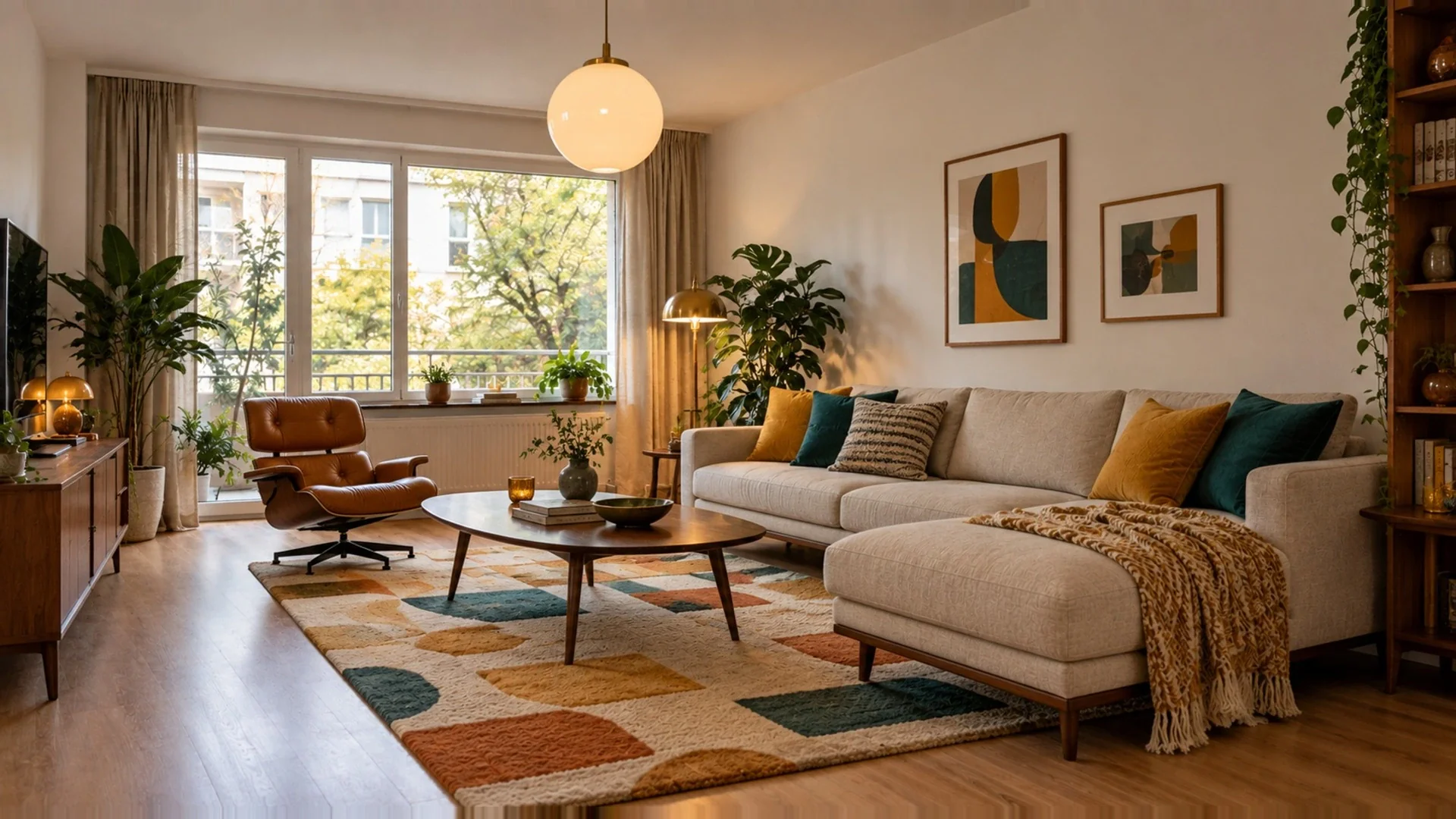 Interior DesignRedesign rooms with new furniture, materials and styles.
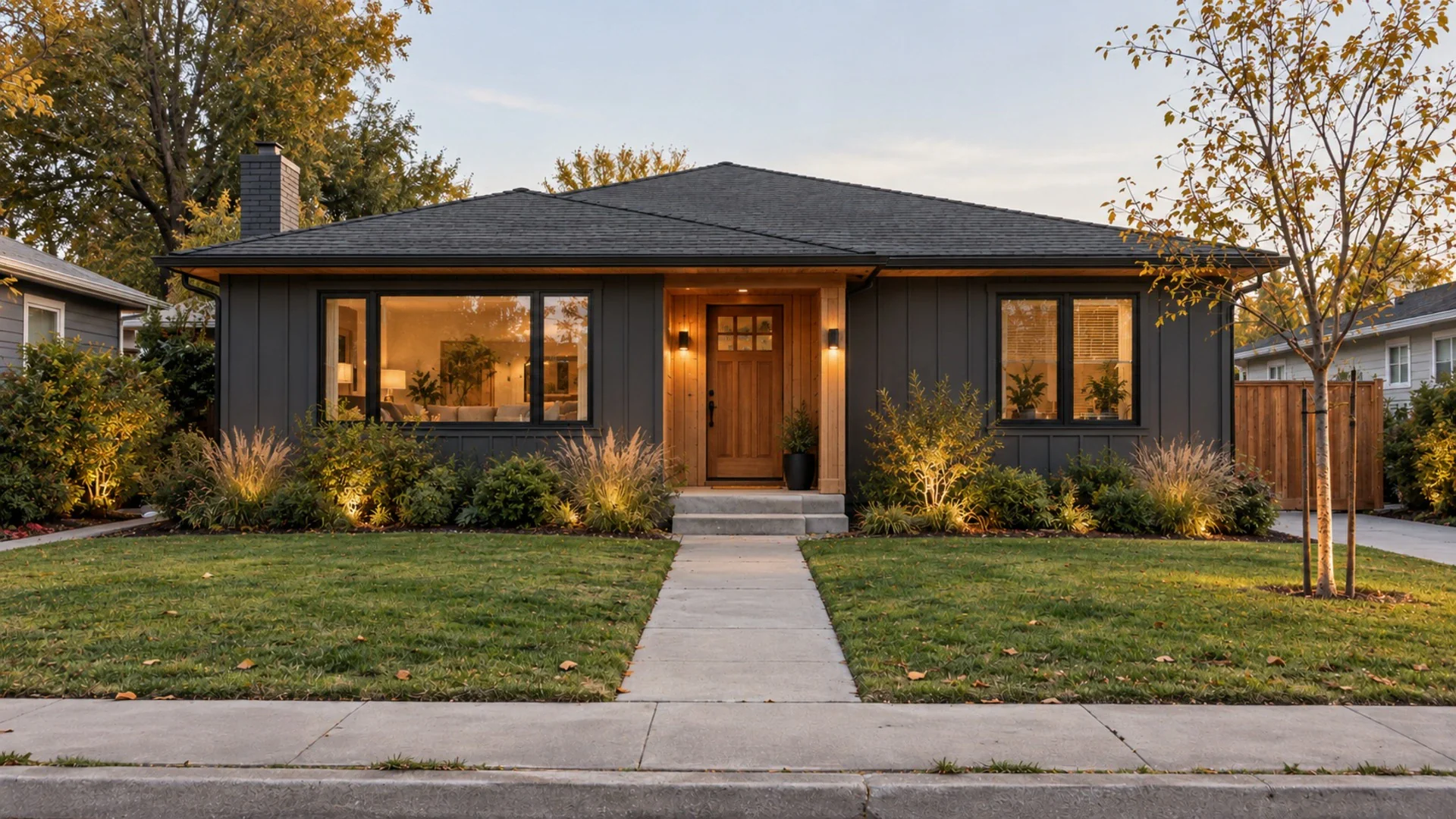 Exterior DesignReimagine your home's facade, colors and entrance.
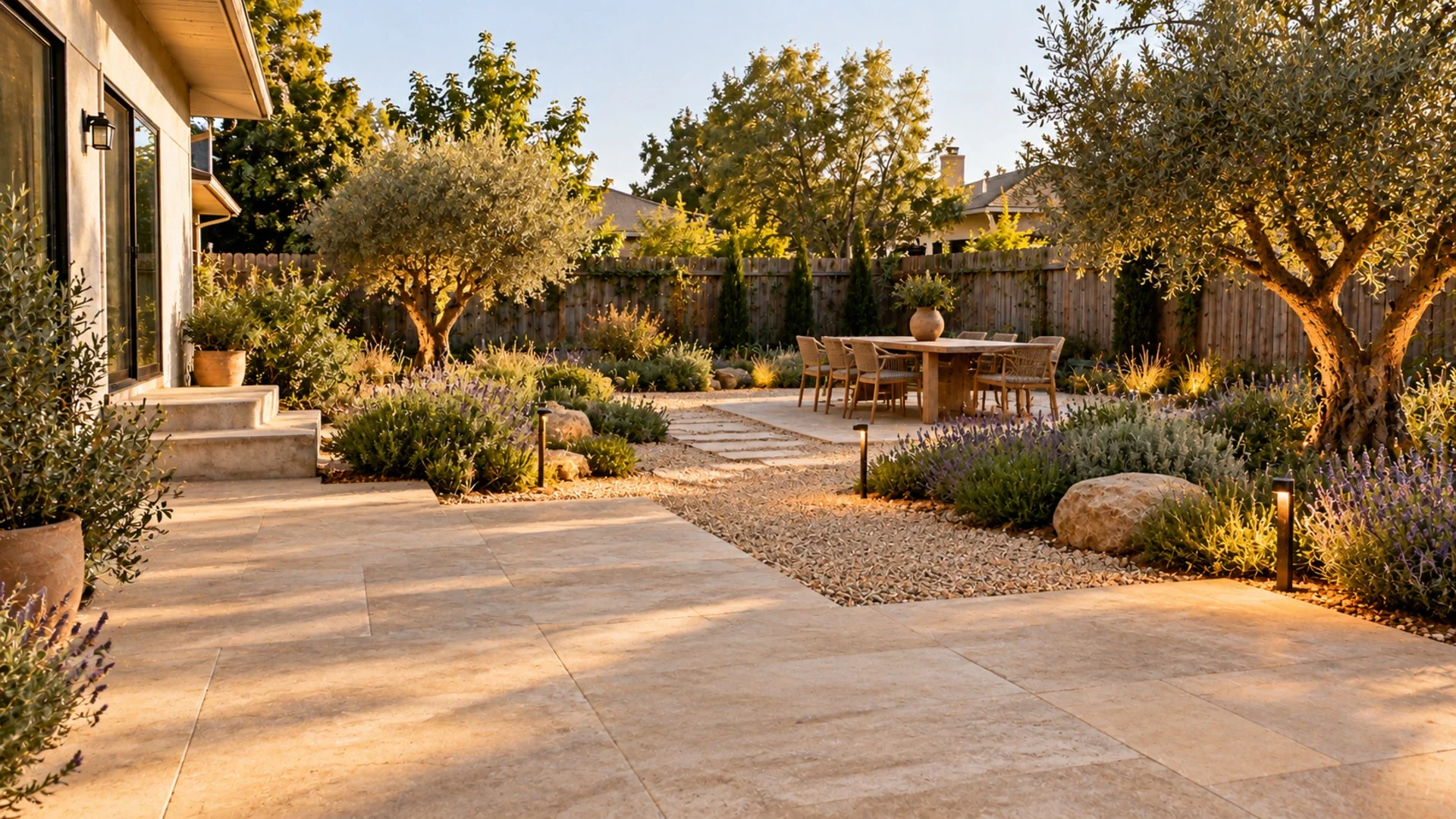 Landscape DesignGarden, backyard, patio and pathway designs.
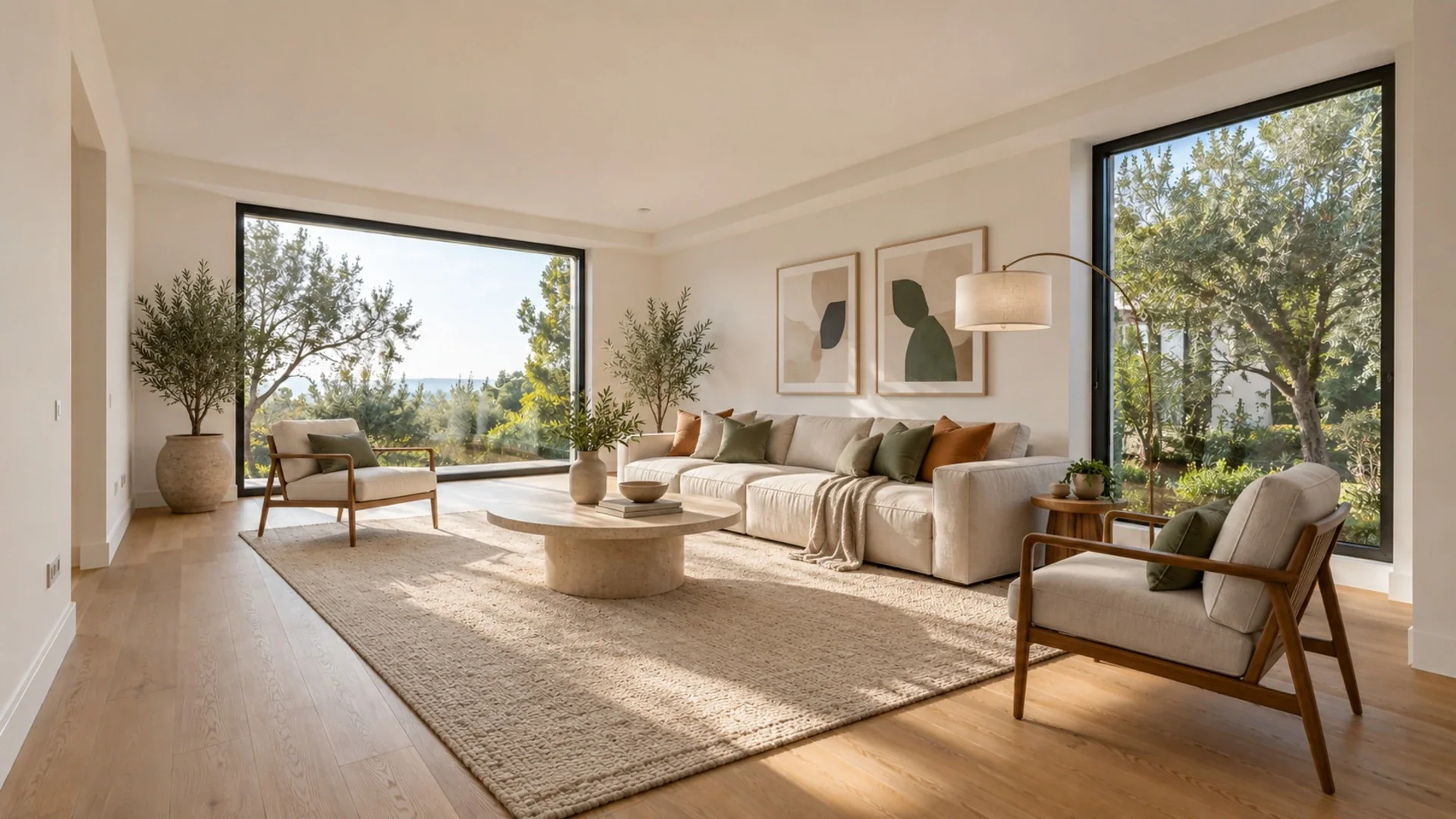 Virtual StagingFurnish an empty room in seconds — ideal for listings.
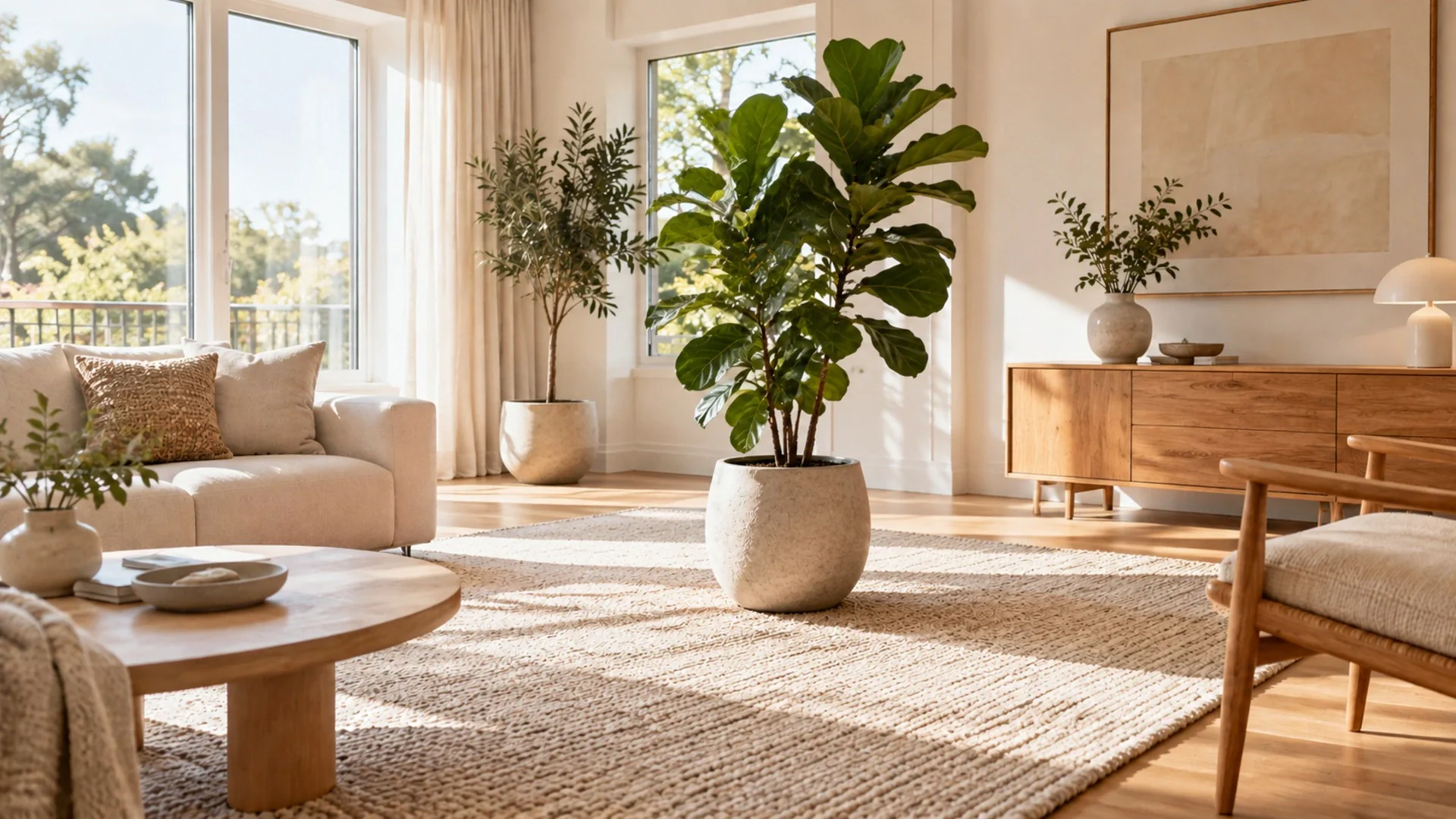 Magic BrushPaint over any object to remove or replace it.
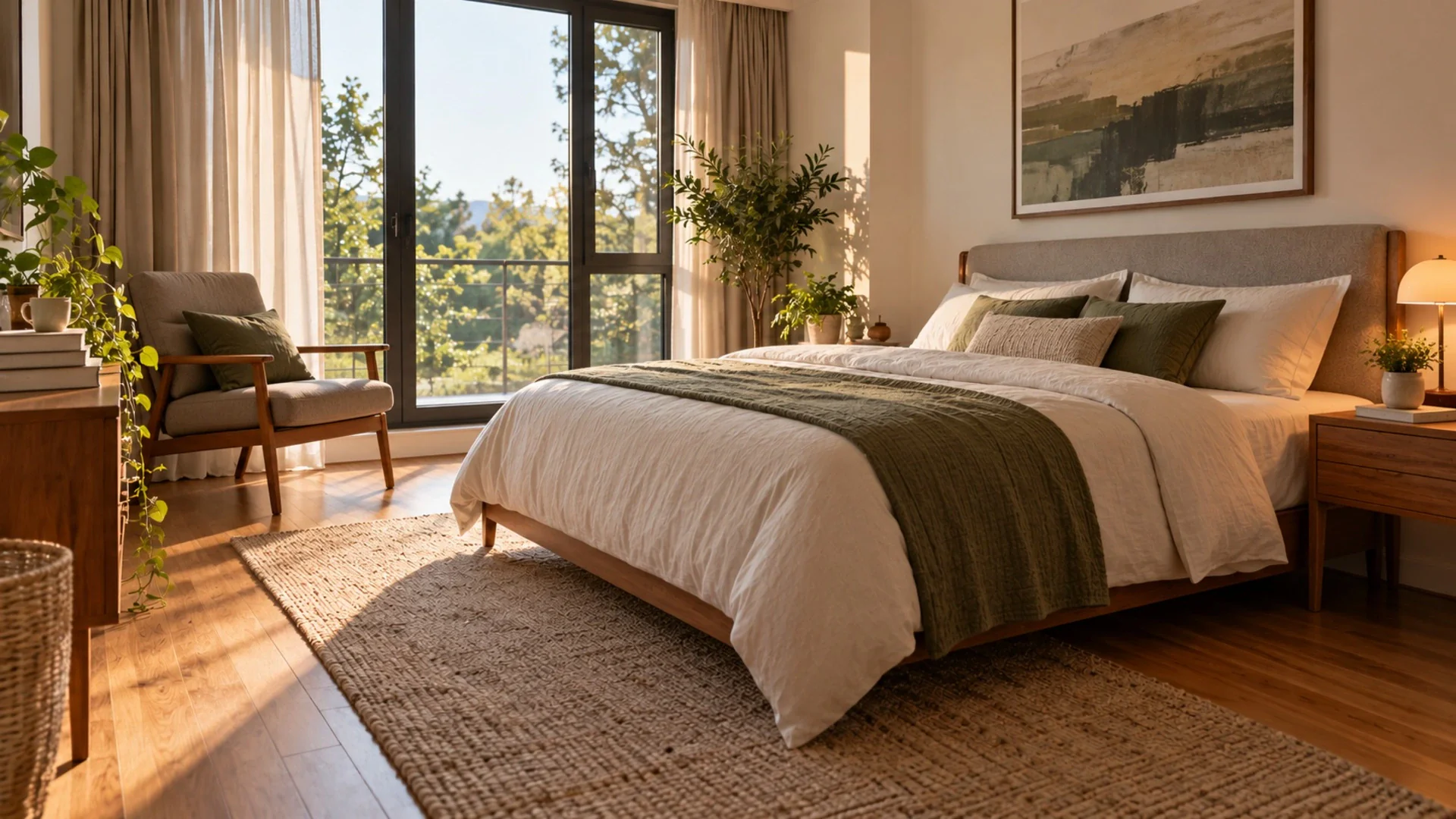 Tidy My RoomClear the clutter — same furniture, fresh look.
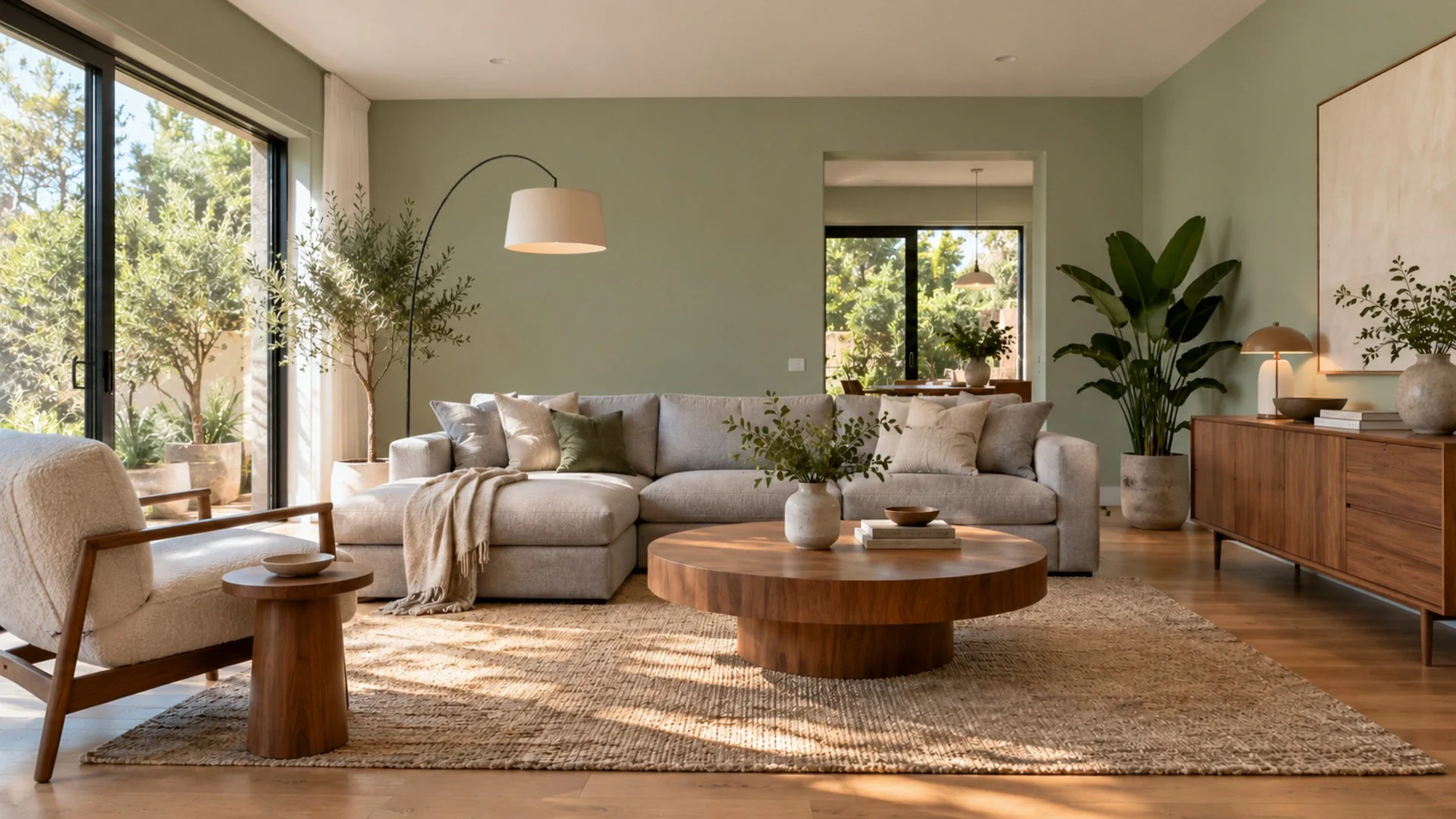 Wall ColorRepaint your walls in 31 curated colors or any hex.
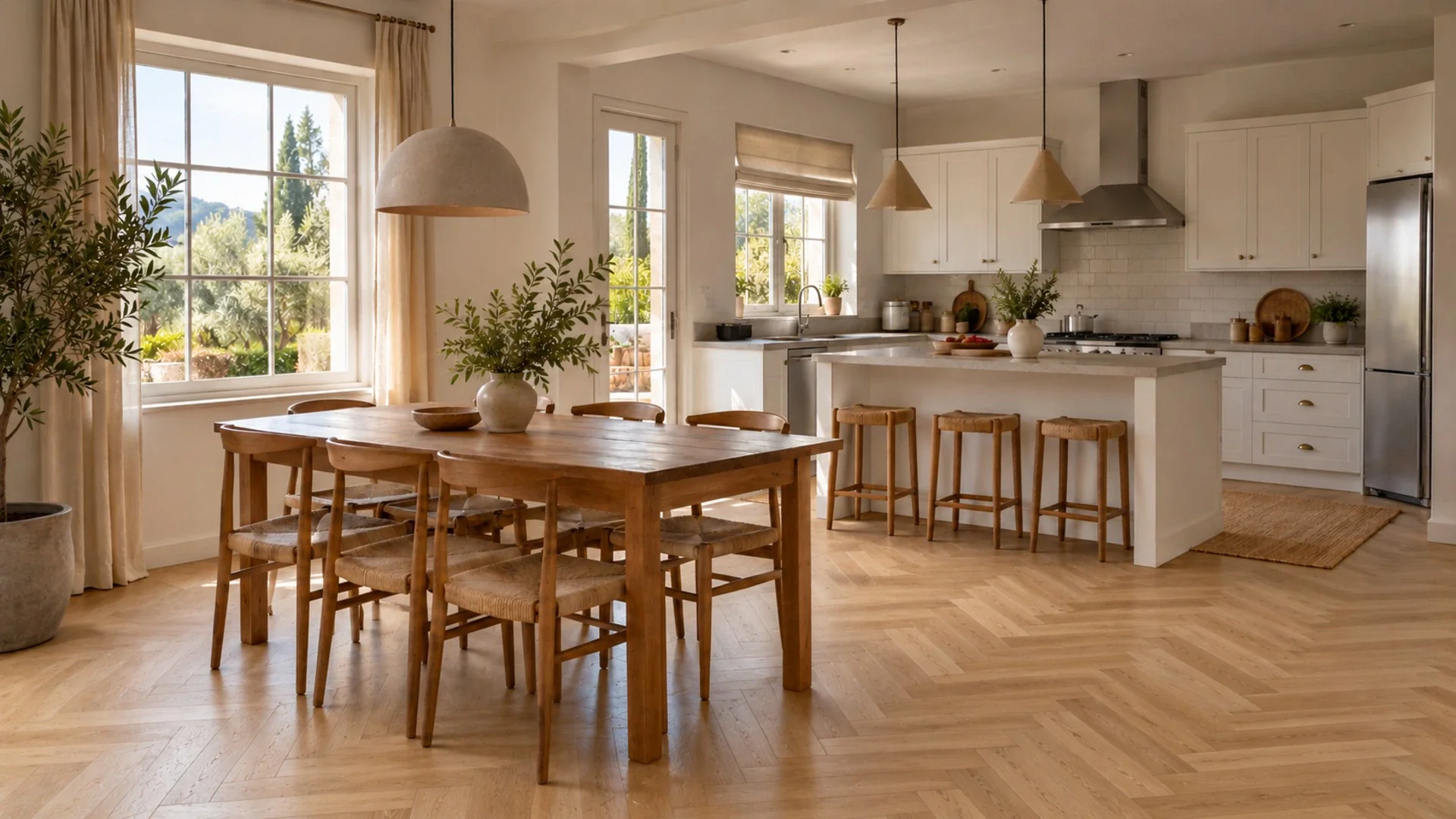 Change FlooringTry 34 floors: hardwood, marble, terrazzo and more.