
Virtual staging for real estate agents
Turn empty, hard-to-read listing photos into furnished, clearly labeled concepts, one consistent style per property.
Start for free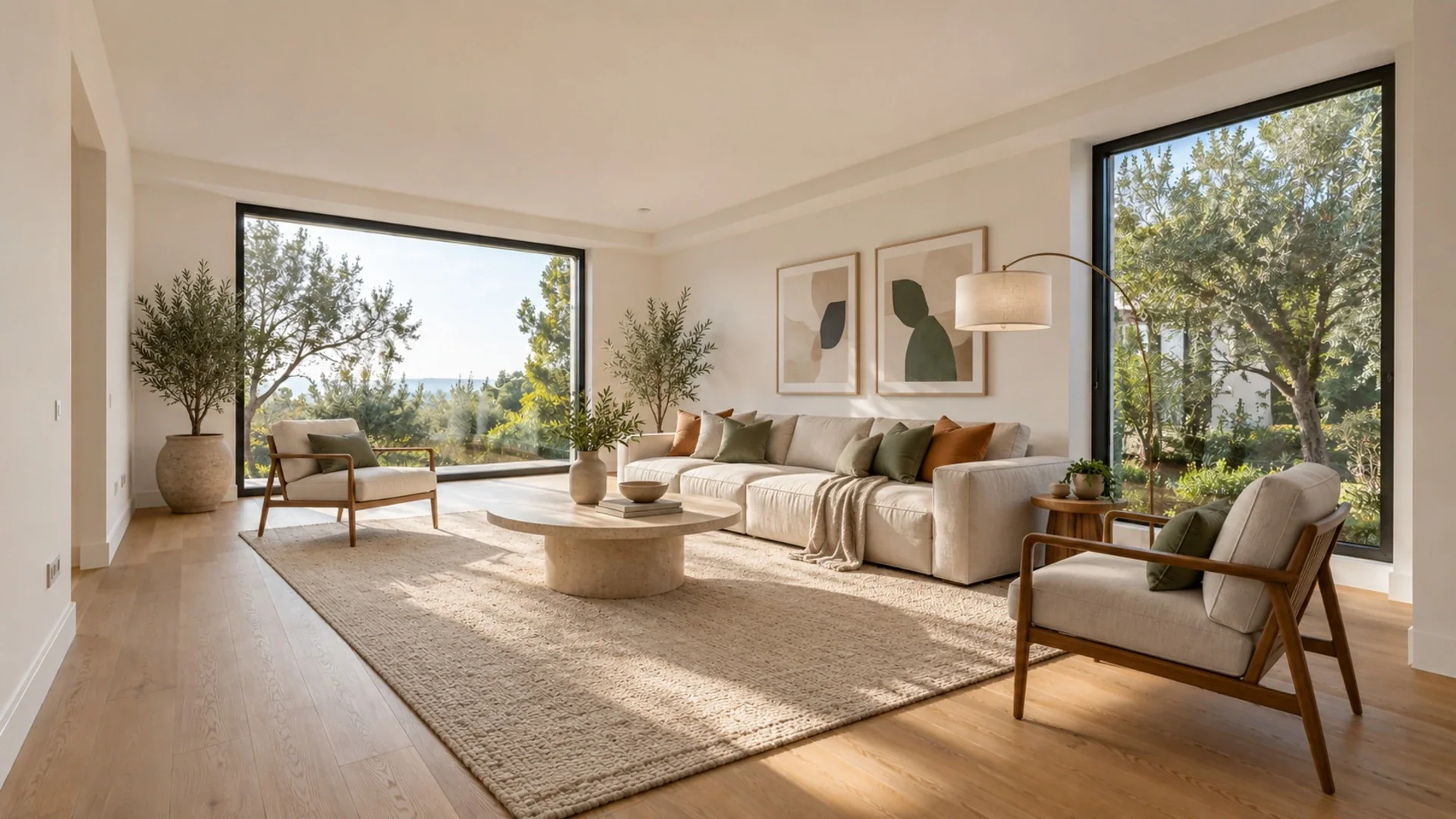

The challenge
An empty room photographs badly. Buyers scrolling a portal see bare walls and a floor, and they struggle to judge scale: will a queen bed fit, where does the sofa go, is that corner a dining area or wasted space? Physical staging solves this, but it takes scheduling, movers and weeks of rental on furniture that may sit in a property you have not sold yet. Many listings simply go live empty. Then there are the occupied homes with dated furniture, piles of boxes or a seller's collection on every shelf. You need photos that help buyers picture living there, delivered fast, consistent across every room of the property, and honest enough that nobody feels misled when they walk through the door.
Show scale and purpose
Furniture tells buyers what a room is for and how much fits. A spare room staged as an office or nursery answers questions an empty photo leaves open.
Consistent property story
One style applied to every room keeps the listing coherent, so the living room, kitchen and bedrooms read as the same home rather than five different moods.
Walls and windows stay put
Virtual Staging keeps walls, floor, windows and camera angle. You add furniture and decor, not fake architecture, which keeps the images closer to what buyers will see.
How it works
- 1
Shoot the empty rooms
Photograph each room from a corner or doorway at chest height, camera level, daylight in and all lights on. Straight verticals and clean floors give the AI the best base.
- 2
Pick one style per listing
Choose a style that suits the property and its likely buyers, then stage every room in it. On the Pro plan you can stage up to 50 photos in one batch.
- 3
Label, download and share
Pro listing folders add a virtually staged label to downloads and share pages. Send sellers a before/after link and publish alongside the original empty photos where required.
A typical workflow
Start a listing folder on the Pro plan and name it after the property address so every photo stays together. Upload the empty rooms you shot on your walkthrough, pick one style for the whole folder, for example Scandinavian for a bright apartment or Farmhouse for a country house, and run Virtual Staging on the batch. Review each result. If a stray cable, ladder or paint tin made it into a shot, open Magic Brush, paint over it and remove it. For occupied rooms the seller cannot clear in time, Tidy My Room clears clutter while keeping the same furniture and layout, which is often all the photo needs. If a seller is debating repainting a dark accent wall before going live, Wall Color shows the room in a lighter shade in seconds. Download the staged images with the virtually staged label applied and keep the original photos next to them. Finally, send the seller a share link with the before/after pages so they can approve the look, and revoke the link once the listing is published.
Related tools
Questions
Do I have to disclose virtually staged photos?
In many markets, yes, and it is good practice everywhere. Portals, MLSs and local advertising rules often expect a clear label and sometimes the original photo too. Rules differ by country and region, so check yours. Pro listing folders add a virtually staged label for you.
Can I stage a whole property in one go?
On the Pro plan you can upload up to 50 photos into a listing folder and stage them all in one batch, in a single style. Each image uses one credit, and any generation that fails is refunded automatically.
Will the staging change the room itself?
Virtual Staging is built to keep walls, floor, windows and the original camera angle and only add furniture and decor. Always review every result before publishing; if something permanent looks altered, regenerate or leave that photo unstaged.
See it in your own space
Upload a photo and get a photorealistic redesign in under a minute. 3 free designs when you sign up.
Try it on my photo