
See your renovation before you start it
Compare styles, paint colors and floors on your own photos, agree with your household, and give your contractor a clearer brief.
Start for free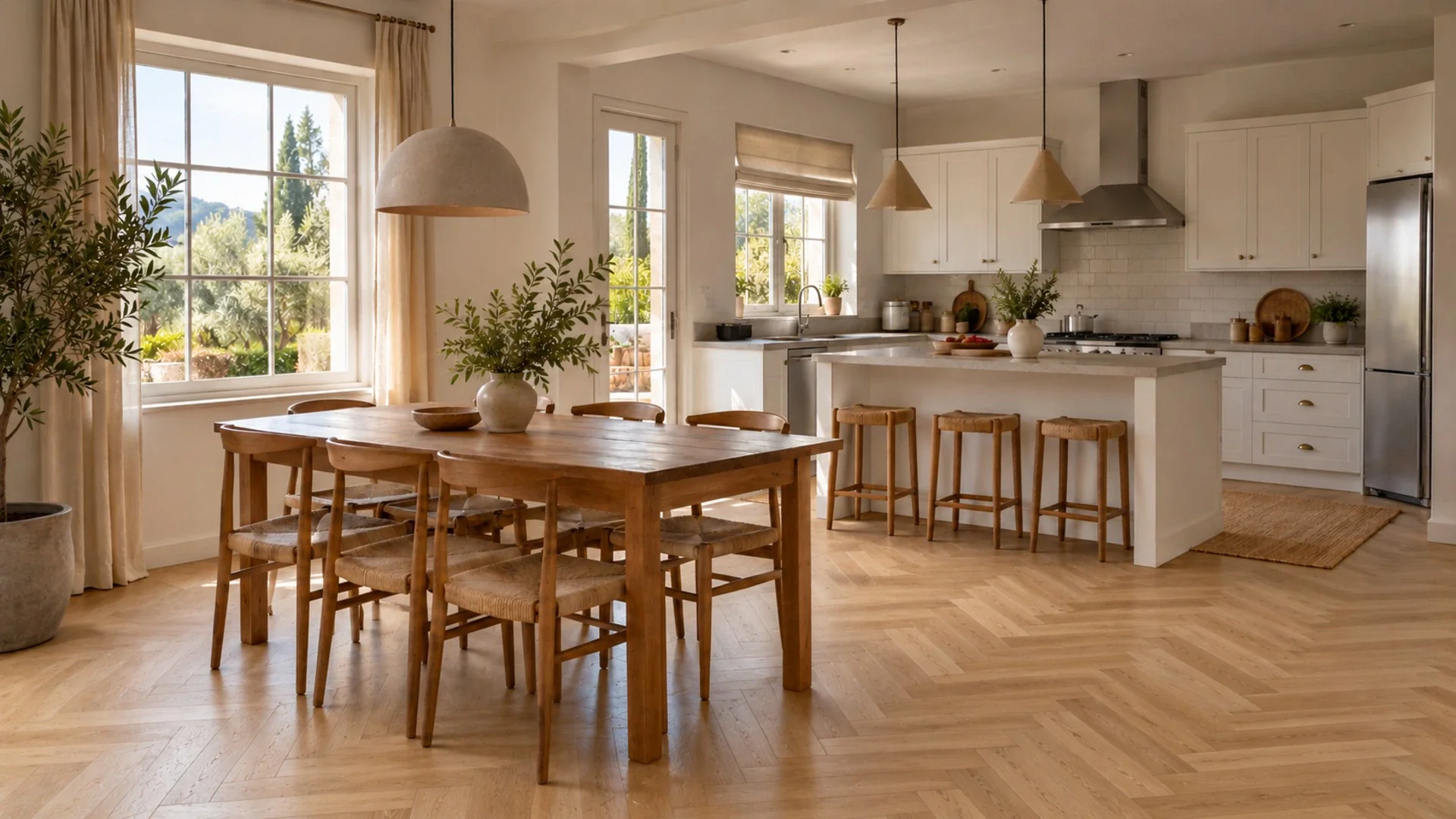
The challenge
Renovation decisions are expensive and hard to undo. You stand in a showroom holding a small floor sample, or in front of a wall covered in paint swatches, and try to imagine a whole room. Your partner pictures something different. The contractor needs answers this week. And once the oak is laid or the kitchen wall is tiled, changing your mind costs twice. Mood boards and magazine photos help, but they show someone else's room with different light, proportions and windows. What you really want is to see the options in your own space first, compare them side by side and agree as a household, before anyone orders materials. At the same time, you need to remember that a picture is not a plan.
Decide before you buy
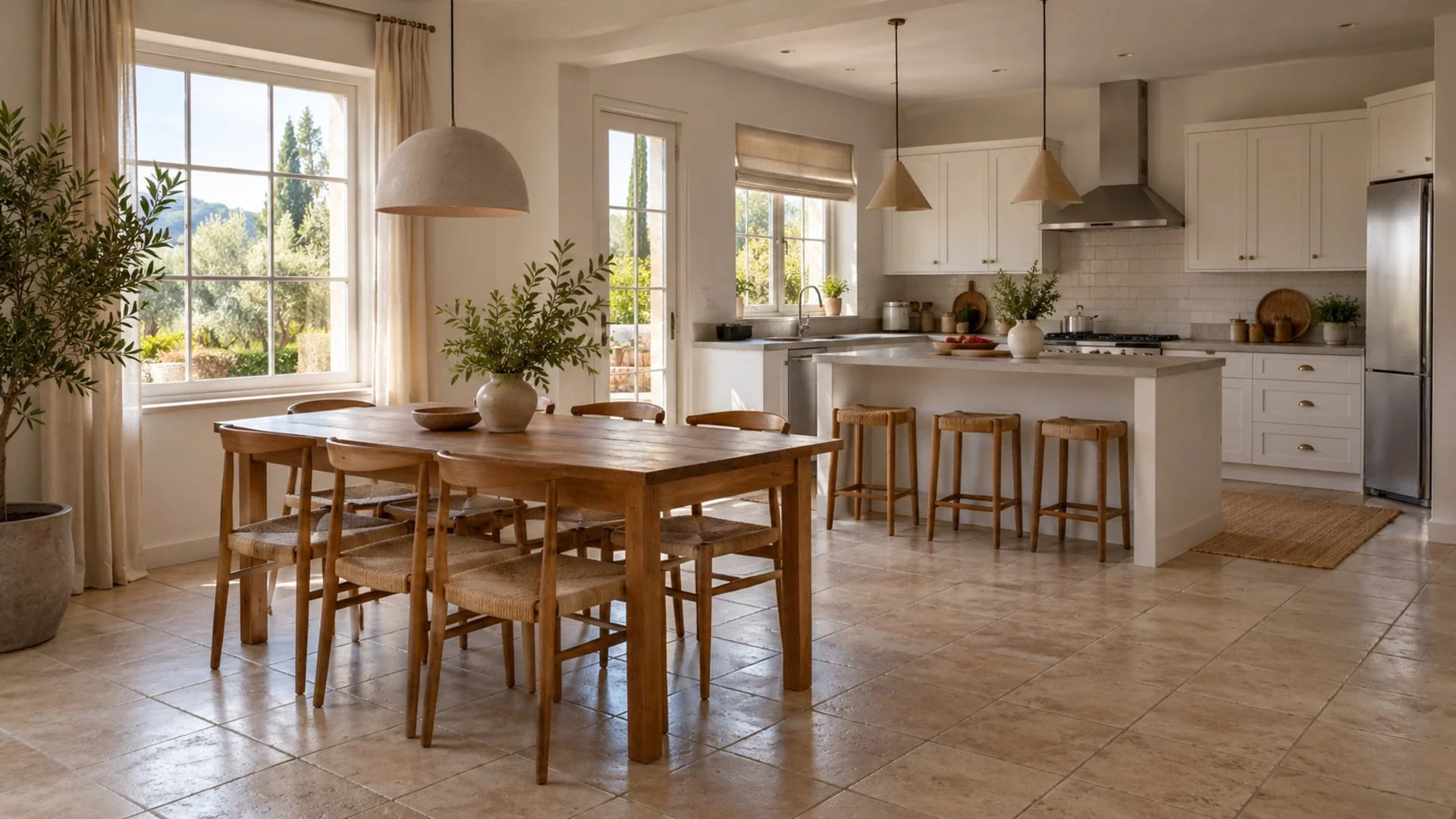
Compare herringbone with wide planks, or a warm white with a soft grey, in your own room. It is easier to rule things out early.
One picture, fewer debates
A shared concept gives everyone the same reference. It turns vague conversations about cozy or modern into a concrete look you can agree on.
A clearer contractor brief
Showing a concept alongside your notes helps a contractor understand the look you want, so quotes and questions focus on the right things.
How it works
- 1
Capture the room today
Photograph the room you plan to renovate in daylight from the spot you stand in most. Take one wide shot and one of the area you will change.
- 2
Compare real options
Generate the same room in two or three styles, then test specific choices: wall shades with Wall Color, floor materials with Change Flooring.
- 3
Agree and brief
Share before/after links with your partner and contractor, collect opinions, and turn the favorite concept into a written list of materials and finishes.
A typical workflow
Start with the room you are least sure about. Upload a daylight photo and run Interior Design with the room type set correctly, then try two or three styles, say Contemporary, Japandi and Traditional, to see which direction your household actually likes. Keep the favorite and get specific. Use Wall Color to compare three shades from the curated set or a hex code from a paint card you already have, keeping in mind that screen colors are only approximate. Run Change Flooring with the materials you are considering, from light oak to large-format tile. If a piece of furniture you plan to keep looks out of place, ask the AI Designer chat how to make it work, or remove it with Magic Brush to see the room without it. For a sense of the whole space, 3D Panorama turns photos of the room into a view you can look around in. Save the winners as favorites, share links with your partner and contractor, and write down the final choices. Then confirm measurements, materials and any structural work with professionals on site.
Related tools
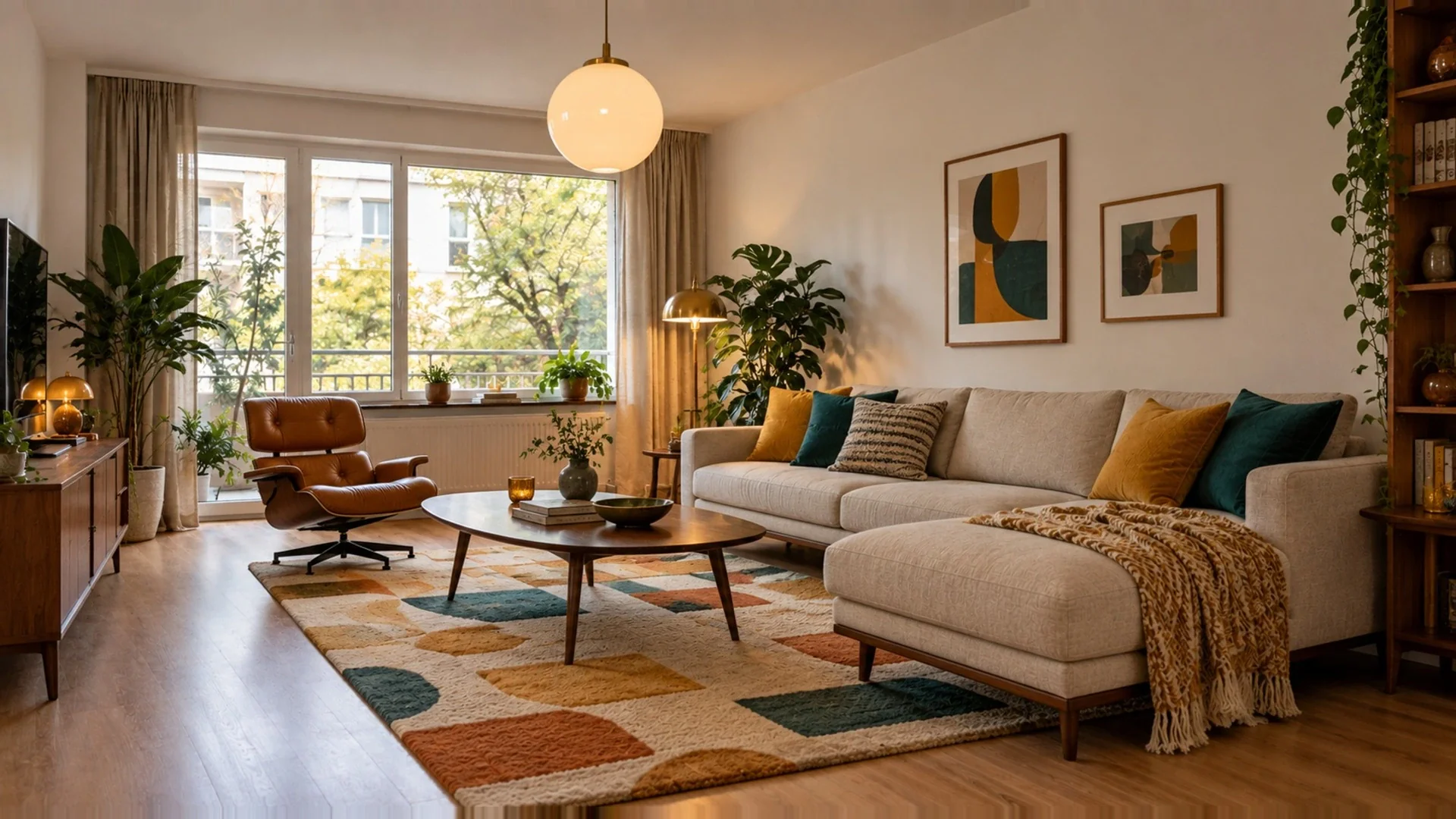 Interior DesignRedesign rooms with new furniture, materials and styles.
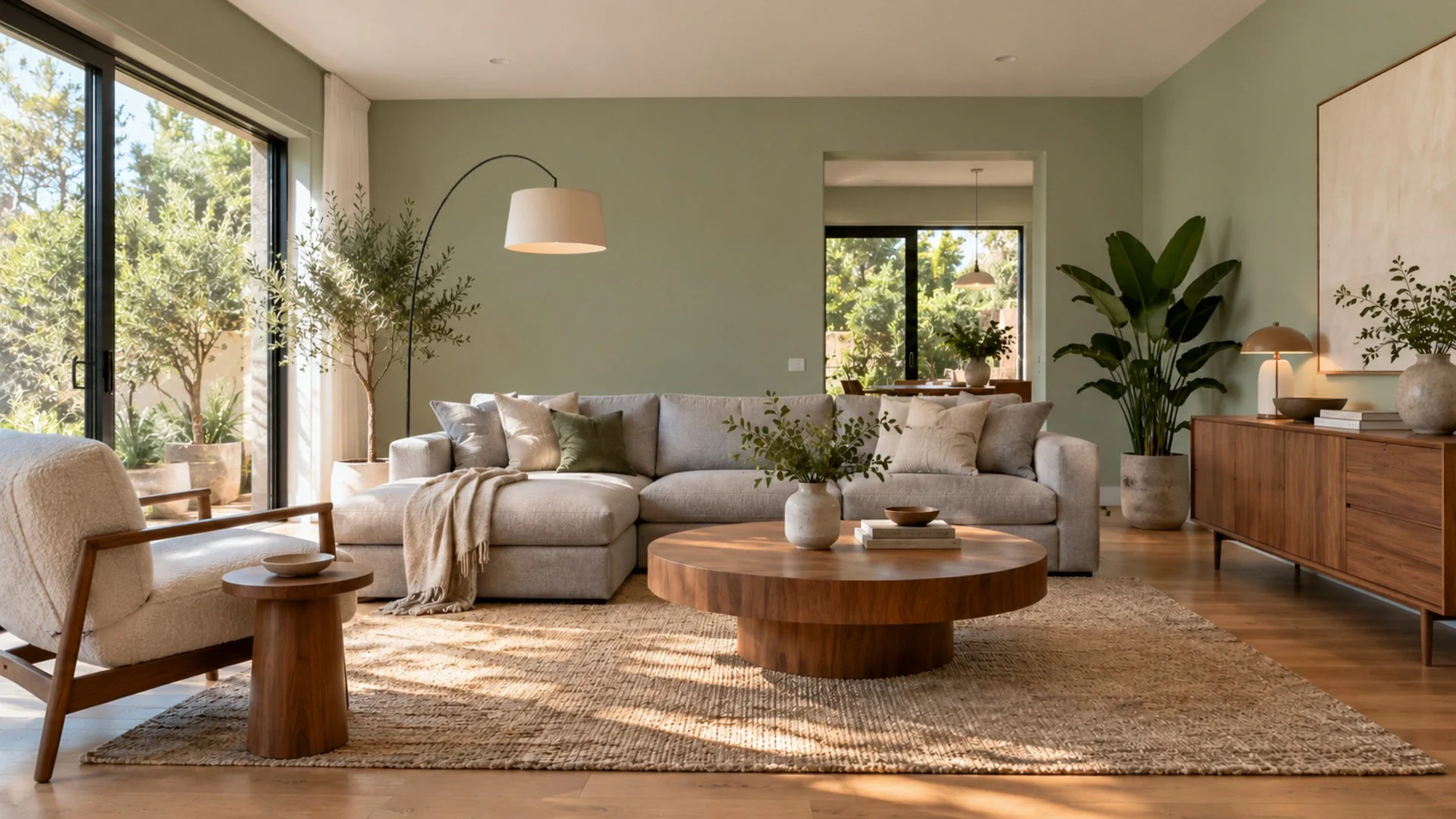 Wall ColorRepaint your walls in 31 curated colors or any hex.
- Change FlooringTry 34 floors: hardwood, marble, terrazzo and more.
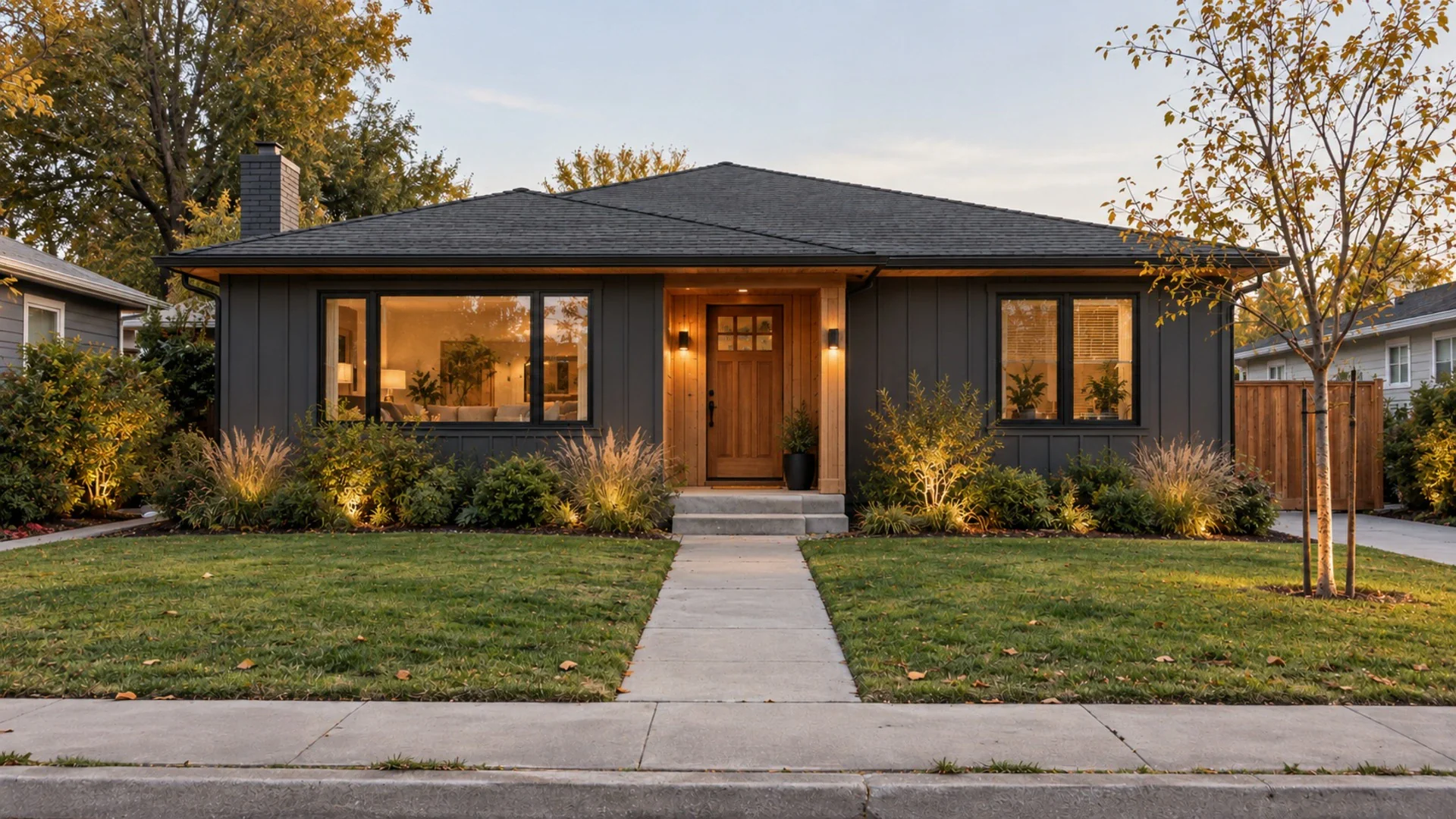 Exterior DesignReimagine your home's facade, colors and entrance.
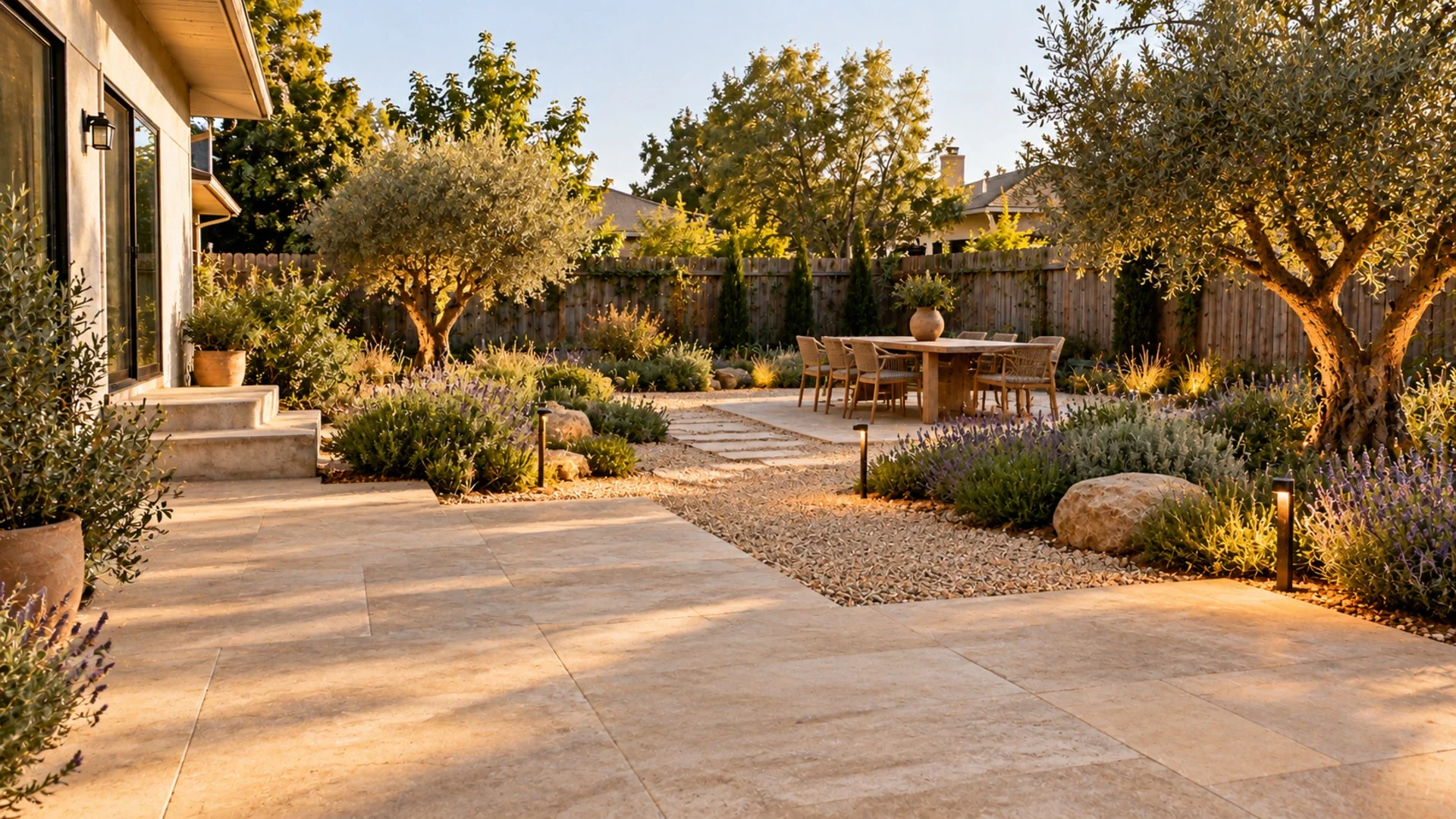 Landscape DesignGarden, backyard, patio and pathway designs.
Questions
Can I give the AI concept to my builder as a plan?
Use it as a visual reference, not a plan. The image shows a look, not dimensions, structure or building details. Share it with your contractor to explain the style you want, and rely on their measurements, drawings and advice for anything they build.
How accurate are the wall colors?
Wall Color repaints the walls with curated shades or any hex code while keeping furniture and floor, which is great for comparing options. Screens, cameras and room light all shift color, so always test a physical sample on your wall before you buy paint.
Can I keep my existing furniture in the concept?
Wall Color and Change Flooring keep your furniture and only change the walls or floor. Interior Design restyles the whole room while keeping walls, windows and doors. Add notes describing what you want to keep to guide the result.
Related guides
All use cases
See it in your own space
Upload a photo and get a photorealistic redesign in under a minute. 3 free designs when you sign up.
Try it on my photo