
Show buyers what your home could be
Prepare better listing photos, stage empty rooms and test simple updates before you sell, whether you list on your own or with an agent.
Start for free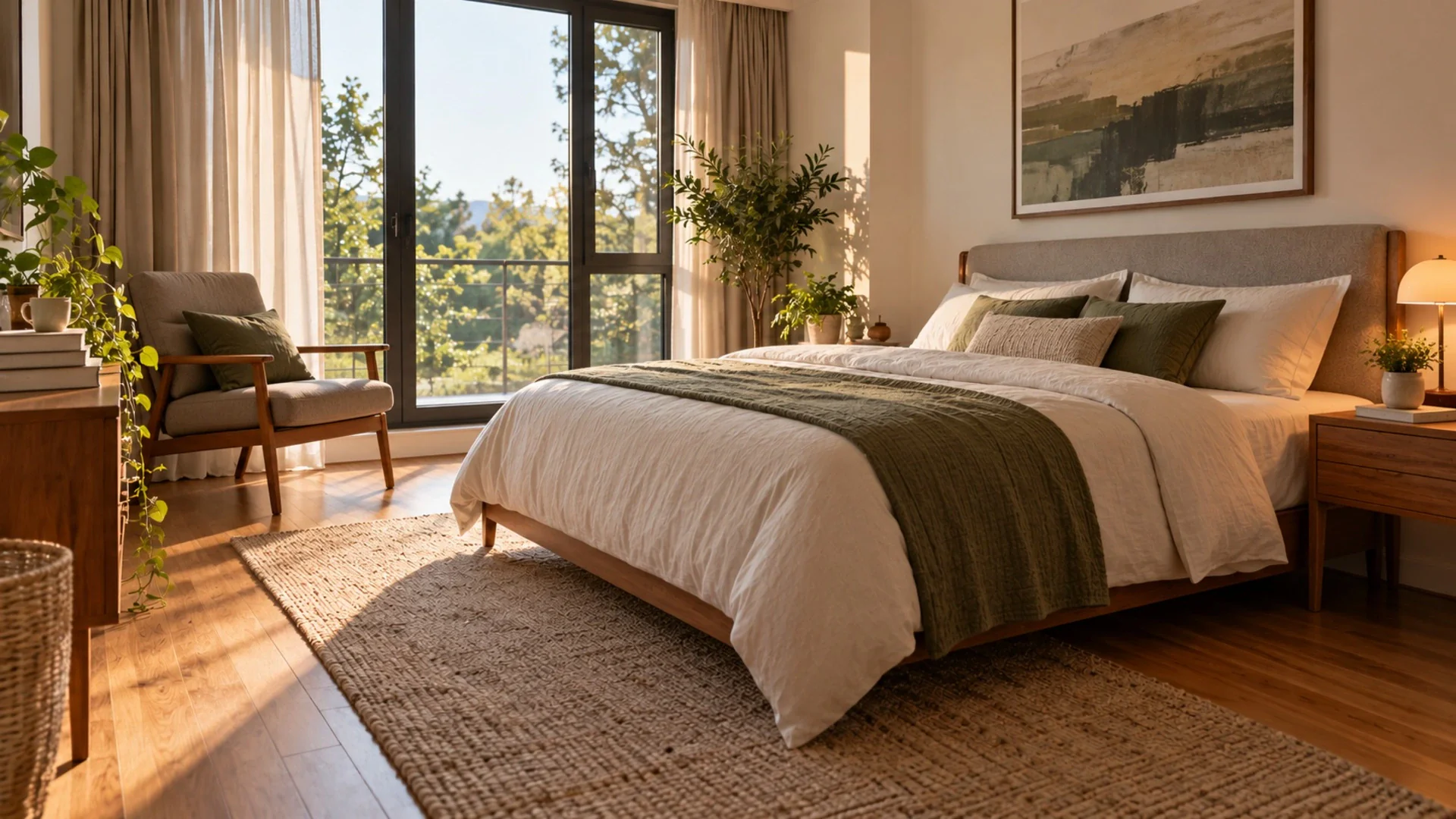
The challenge
When you sell, your photos do the first viewing for you. But the home you live in rarely looks like a listing. There are school bags in the hall, a home office in the spare bedroom, and the rooms you have already moved out of look bare and smaller than they are. If you sell on your own, you are also the photographer, the stager and the copywriter. If you work with an agent, you still want a say in how your home is presented. Meanwhile, every decision about repainting, replacing a worn carpet or buying new cushions costs money you may not get back. You want to know which small changes are worth doing and how to show the potential honestly, without promising buyers a home that does not exist.
Spend only where it shows
See a lighter wall or a new floor in your actual room before hiring anyone. If the change barely improves the photo, you have saved the cost.
Empty rooms with a purpose
A staged spare room shows buyers it fits a bed or a desk. That is easier to understand than four walls and a window.
Easy to share with your agent
Send a share link to your agent or family to agree on photos and changes, then revoke it when you no longer need it.
How it works
- 1
Photograph every room
Open curtains, switch on every lamp and shoot from a corner at chest height. Take a few angles per room so you can choose the clearest one later.
- 2
Clean up or stage
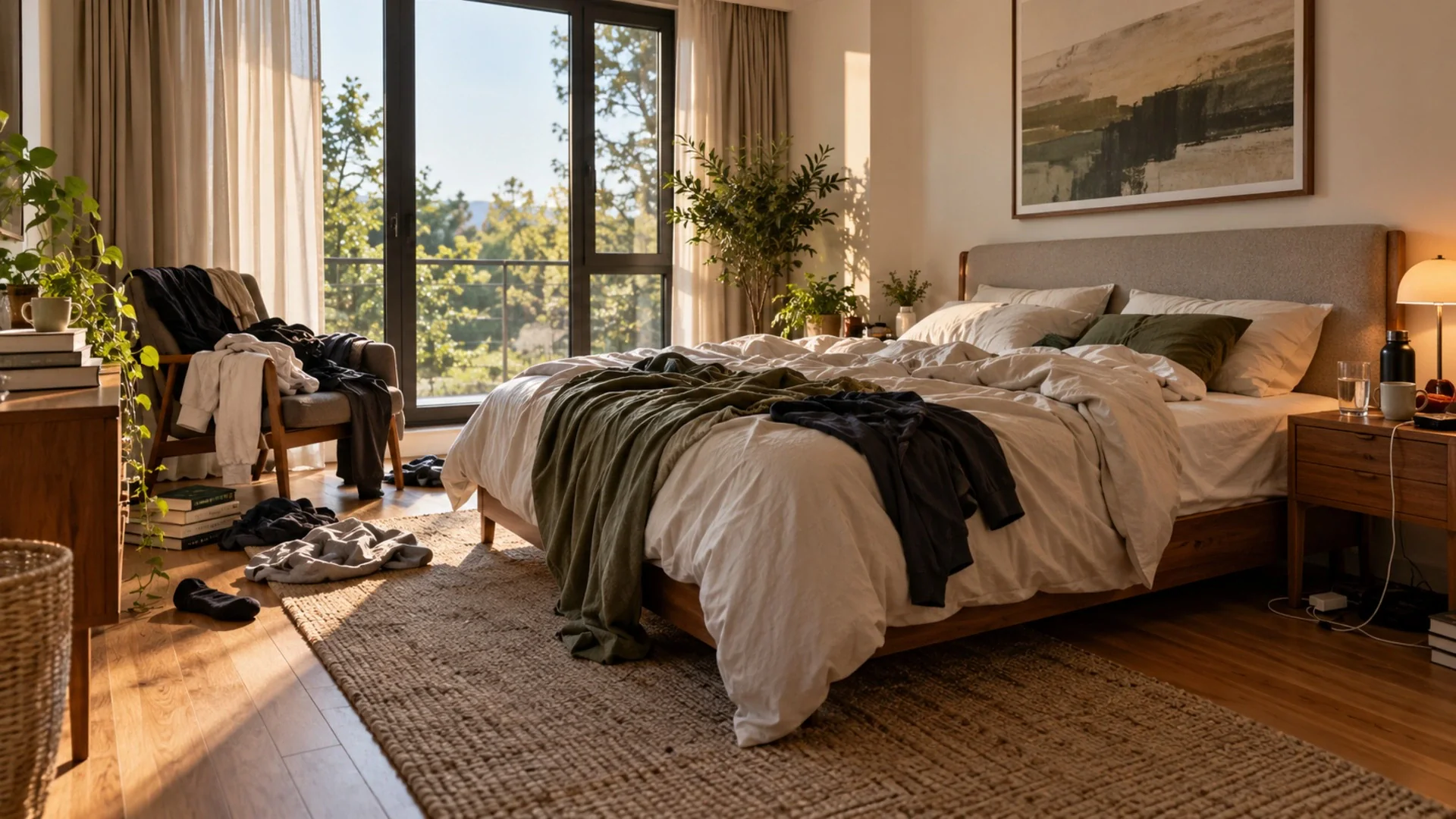
Use Tidy My Room on lived-in rooms to clear clutter while keeping your furniture, and Virtual Staging on rooms you have already emptied.
- 3
Preview easy updates
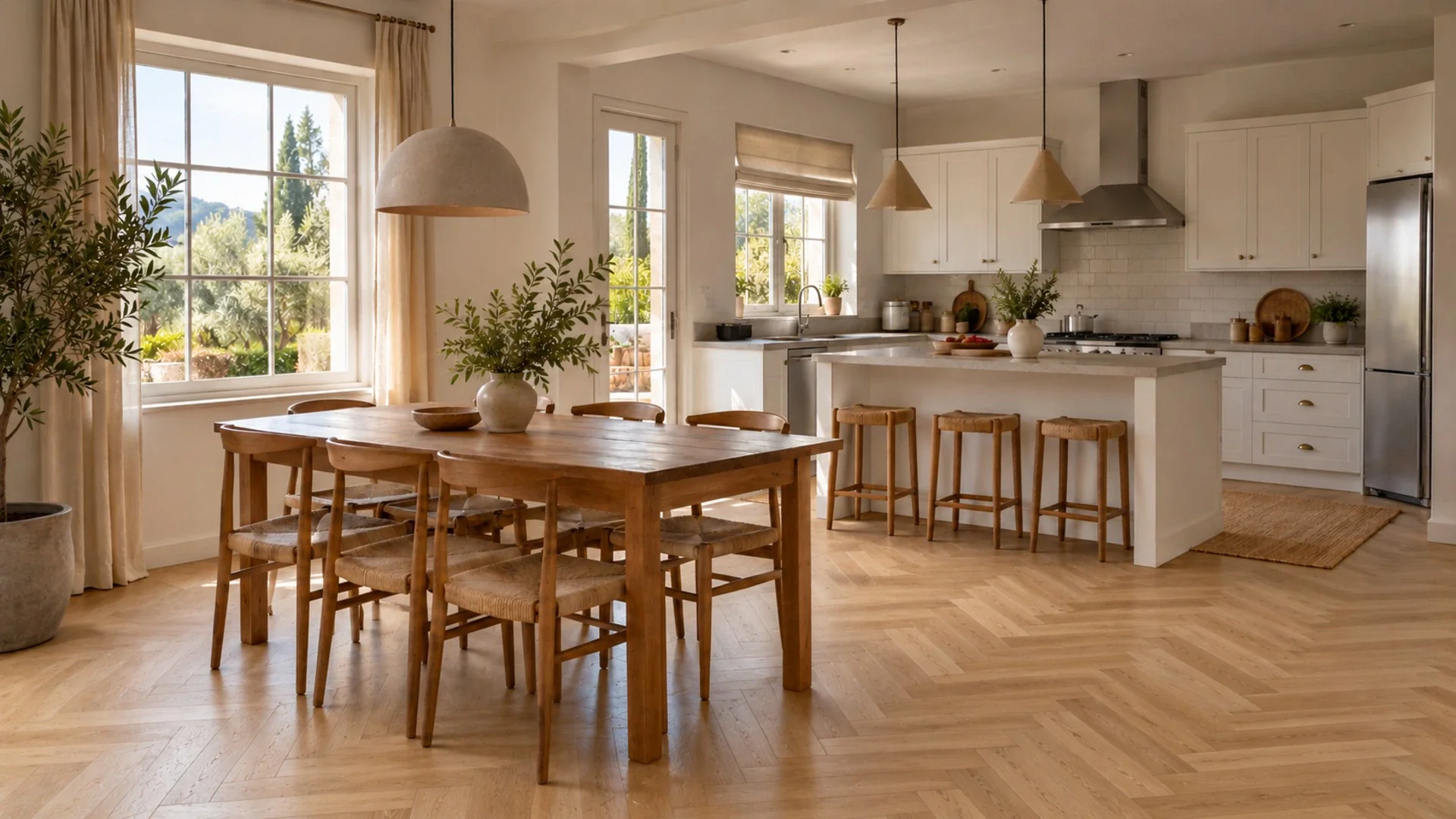
Try a fresh wall color or new flooring on your own photos before paying for the work, then decide what is really worth doing before listing.
A typical workflow
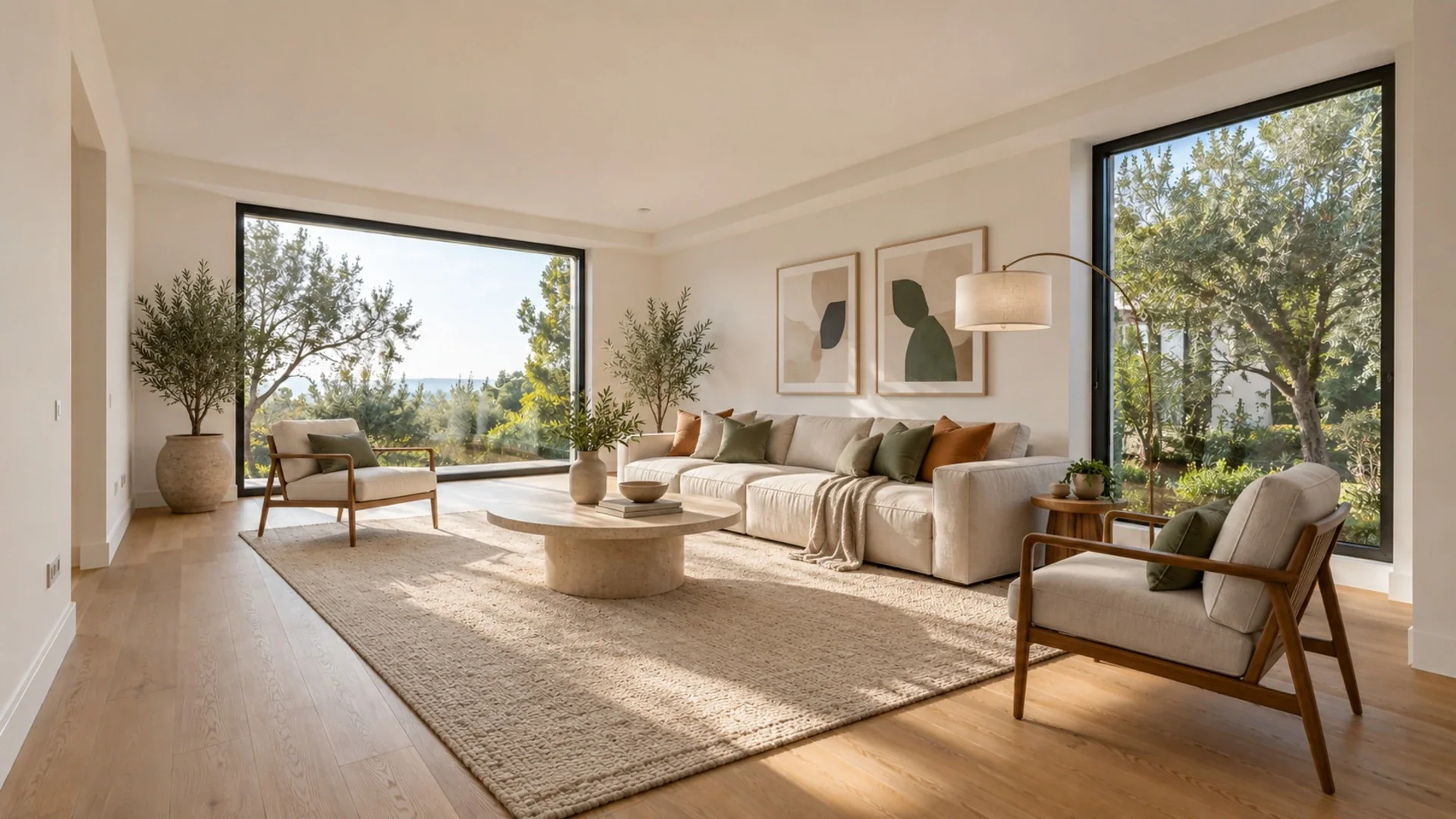
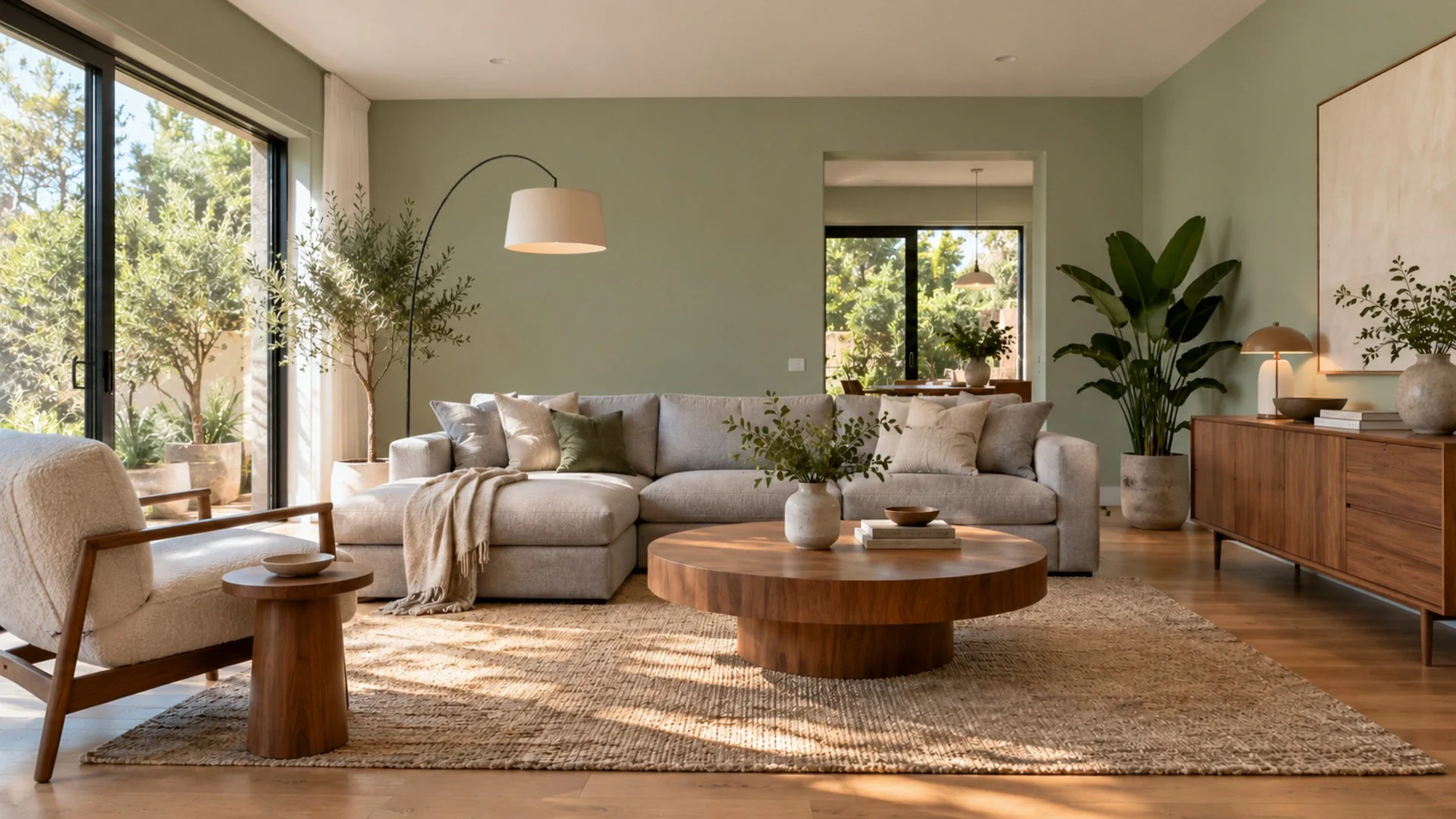
Walk through the house on a bright day and photograph every room from the doorway or a corner, camera level and at chest height. Upload the living room first and run Tidy My Room: it clears the visible clutter but keeps your sofa, table and layout, so you get a calm, realistic photo of the room as it is. Do the same for the kitchen counters and the hallway. For the bedroom you already moved out of, run Virtual Staging with a neutral style such as Modern or Scandinavian so buyers can see it as a real bedroom. Next, test what is worth fixing. Use Wall Color to compare your current beige walls with a soft white, and Change Flooring to see the worn carpet replaced with light oak. If something small spoils a shot, like a wall calendar or a cable, remove it with Magic Brush. Share the before/after pages with your agent or partner and agree on which changes to make in real life. In your listing, label staged images clearly and include the original photos.
Related tools
Questions
Is it fine to use virtual staging if I sell without an agent?
Yes, the same honesty rules apply whoever lists the home. Label staged photos clearly, keep the original photos available and check the rules of the portal you use, since requirements differ by market. Never change permanent features like walls, windows or floors in listing images.
What is the difference between Tidy My Room and Virtual Staging?
Tidy My Room works on rooms you live in: it clears clutter while keeping your existing furniture and layout. Virtual Staging works on empty rooms: it adds furniture and decor in a style you choose while keeping walls, floor and windows.
Can the AI tell me which renovations will raise my price?
No. It shows how a change could look in your own photo, which helps you decide, but it cannot value your home or predict what buyers will pay. Ask a local agent or valuer about what improvements matter in your area.
See it in your own space
Upload a photo and get a photorealistic redesign in under a minute. 3 free designs when you sign up.
Try it on my photo