
Plan your rental refresh before you buy
Try new looks for your rental on your own photos, agree on a plan, then shoot real photos of the finished space for your listing.
Start for free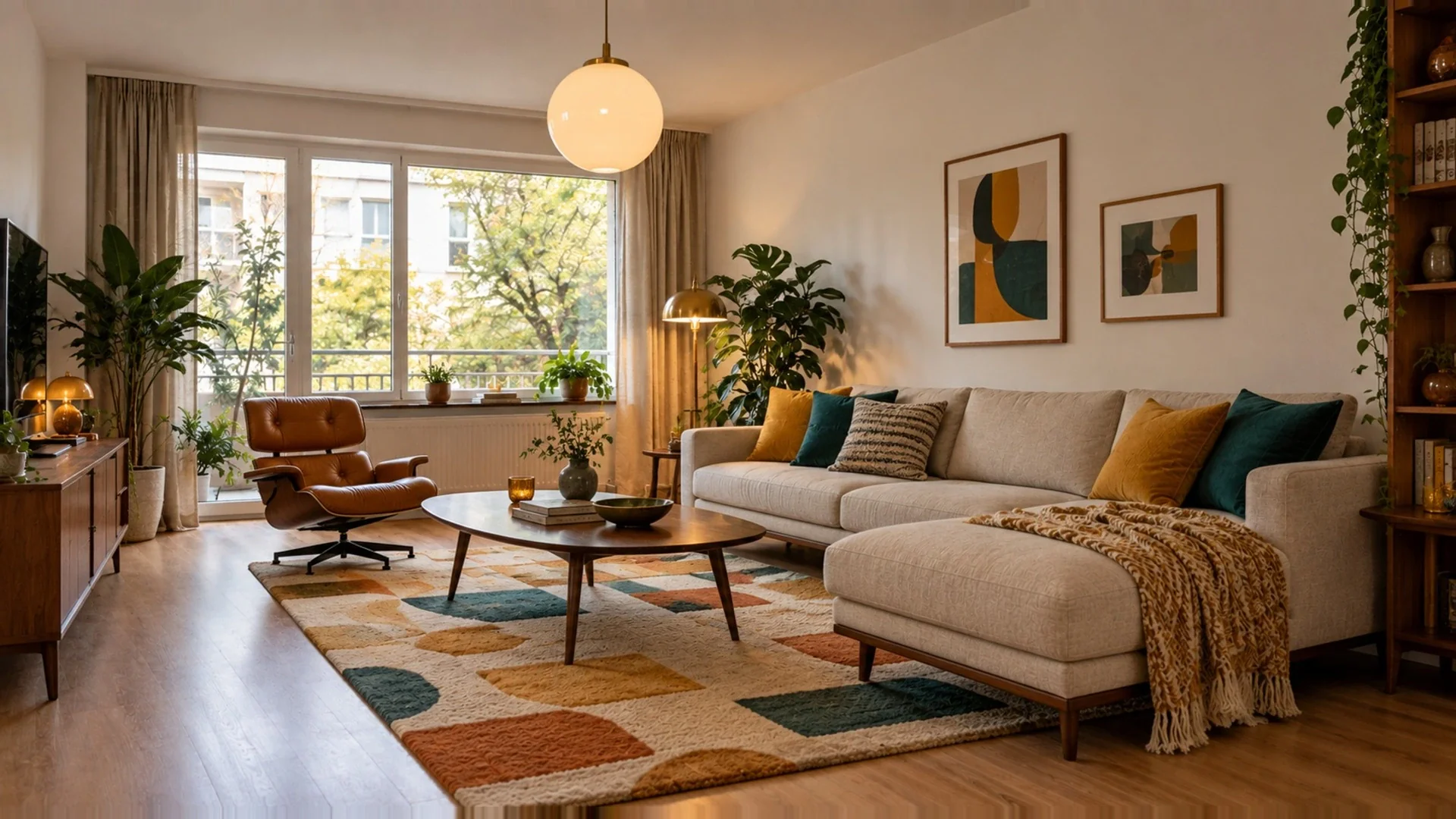
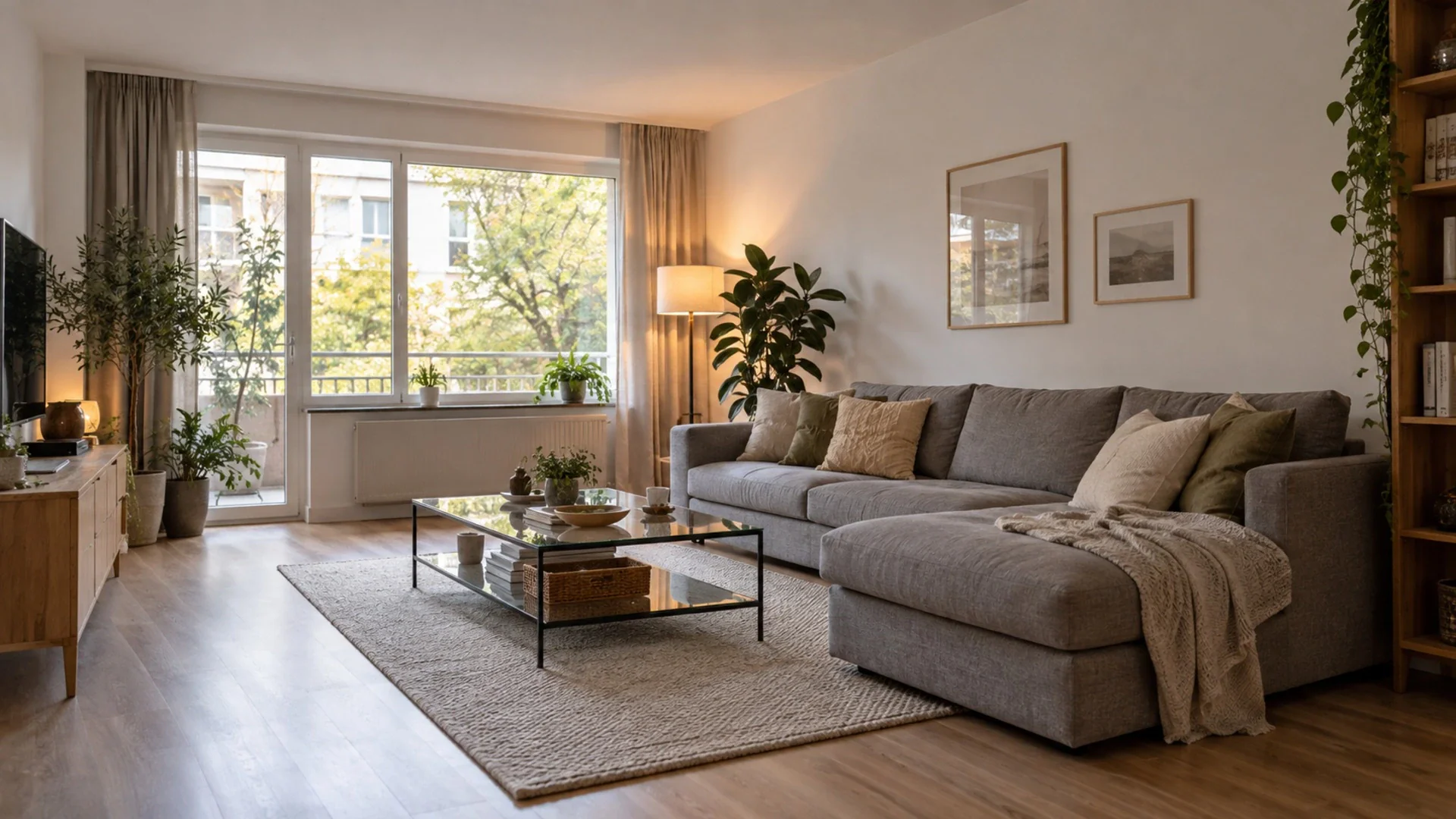
The challenge
Your rental competes on the first photo. Guests compare dozens of similar apartments in a few seconds, and a dated sofa or a tired beige room makes yours easy to skip. A refresh is the obvious answer, but it is easy to get wrong: you buy furniture that does not suit the room, a rug that clashes with the floor, or a color that looks great in a shop and gloomy in your north-facing living room. Each mistake means returns, wasted days between bookings and money gone. There is also a line you cannot cross. Guests book based on your photos and arrive expecting exactly that space. AI images are a planning tool here, not listing photos. Your listing must always show the real property as it is.
Fewer costly mistakes
Seeing a sofa color, a rug and a wall shade together on your own photo helps you avoid purchases that do not work in the actual room.
A coherent guest experience
Plan the living room, bedroom and balcony in one style so the whole stay feels designed, not furnished piece by piece.
Decide with your co-host
Share before/after links with a co-host, owner or cleaner and agree on the plan before anyone spends money or books a handyman.
How it works
- 1
Photograph the rental as is
Shoot each room from the angle your listing already uses. That way you can compare the concept directly with the photo guests see today.
- 2
Explore a direction
Run Interior Design with a few styles, add a palette or inspiration photos, and narrow down to one look that fits the building and your guests.
- 3
Buy, set up, reshoot
Use the chosen concept as a shopping and setup guide. When the real room is finished, take new photos of it for your listing.
A typical workflow
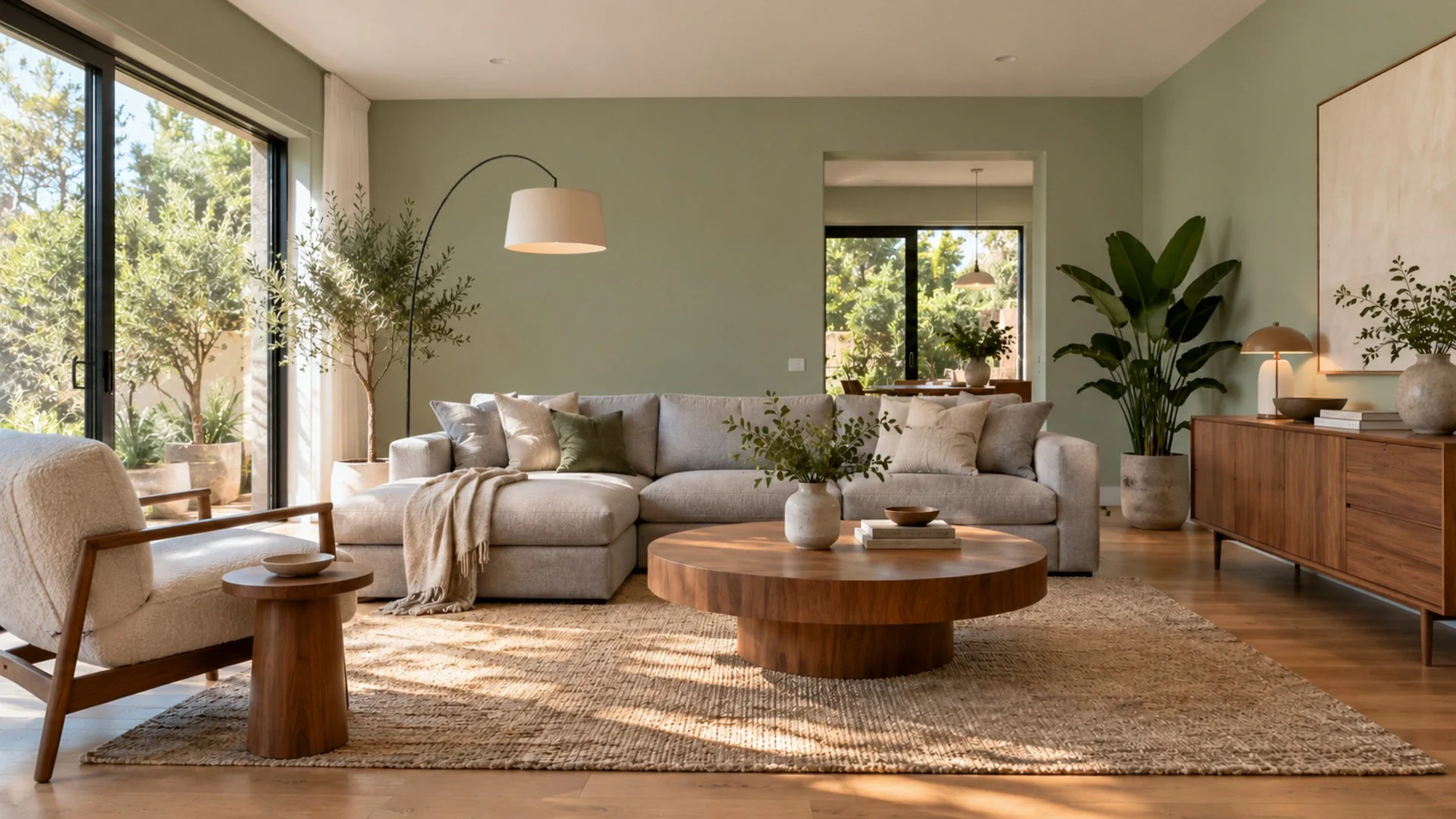
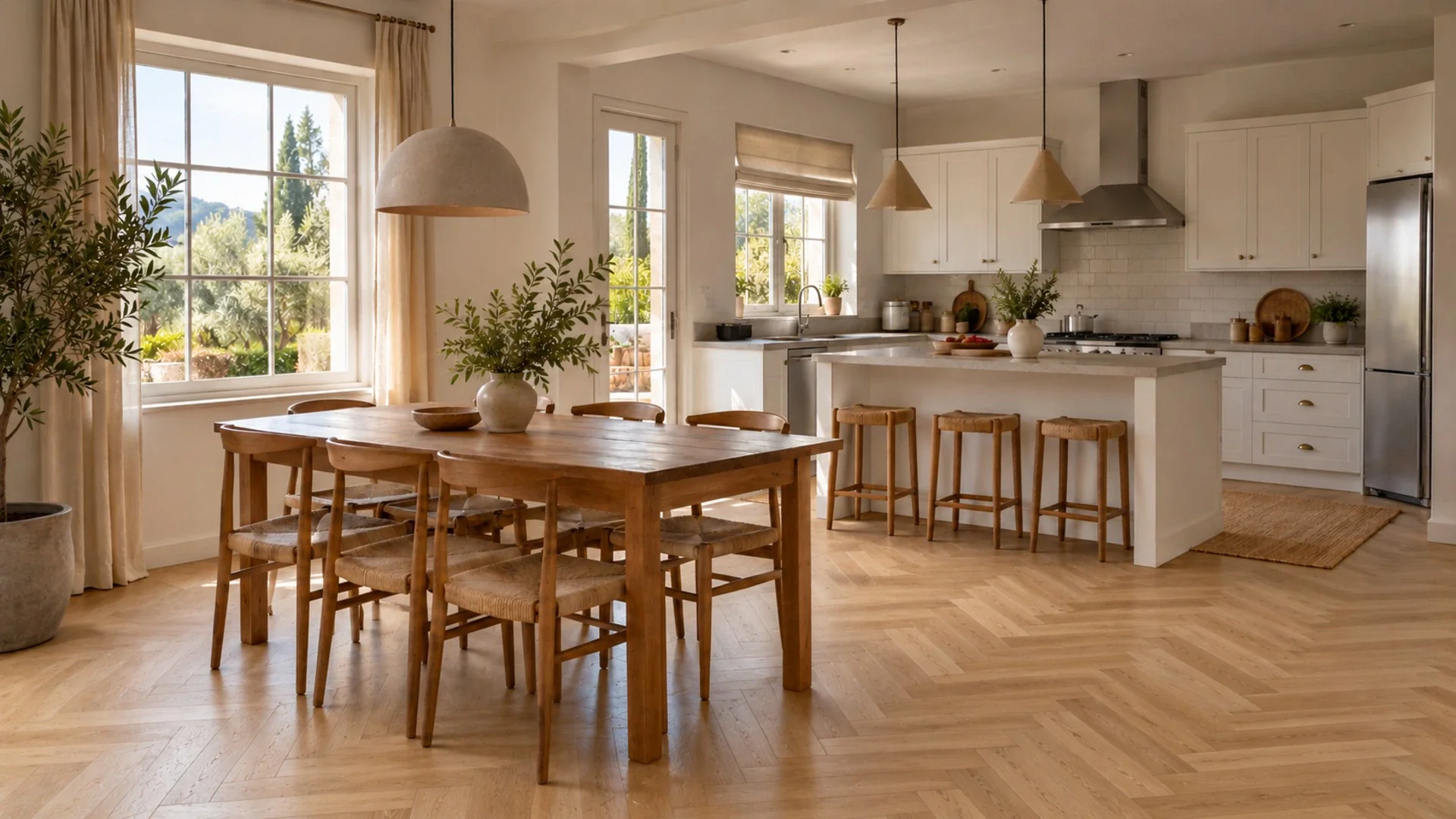
Pick the room that matters most for bookings, usually the living area or the main bedroom, and upload the photo your listing uses today. Run Interior Design with two or three styles that suit the location, for example Coastal for a seaside flat or Japandi for a quiet city studio, and use the optional palette to stay close to colors that already exist in the space. Add up to five inspiration photos or product links if you have a look in mind. If the walls are the problem, compare a few shades with Wall Color; if the floor is worn, test materials with Change Flooring. Ask the AI Designer chat practical questions, such as how to fit a dining spot for four or which lighting makes a small room feel warmer. Save favorites to your library and share the best version with your co-host. Then buy, paint and set up the real room using the concept as a guide. Once it is done, take fresh photos of the actual space for your listing. Never publish the AI concept itself as a listing photo.
Related tools
Questions
Can I use the AI images in my rental listing?
We recommend you do not. Guests book based on photos and expect to find that exact space. Use AI concepts to plan furniture, colors and layout, then photograph the finished room for your listing. Check your platform's rules on edited images as well.
Will the AI suggest specific products to buy?
The concepts show furniture, colors and materials, not shop listings. You can add up to five product links to Interior Design to see how pieces you are considering might look, and ask the AI Designer chat for advice on what to look for.
Can I create a 360 view of my rental?
3D Panorama turns one to four photos of the same room into an immersive view you can look around in and share. It uses 3D credits. It is useful for planning, but as with any AI image, show guests the real room.
Related guides
All use cases
See it in your own space
Upload a photo and get a photorealistic redesign in under a minute. 3 free designs when you sign up.
Try it on my photo